Statement date: November 2, 2026
Our target
We design and build lytbit.com to conform to the Web Content Accessibility Guidelines (WCAG) 2.2 at Level AA. WCAG is the international standard for accessible web content, and Level AA is the level most organizations and public bodies work to. We treat it as a minimum for new pages, not a finish line.
What we’ve done
Semantic HTML. Pages are built with real headings in a logical order, one main heading per page, landmarks for the header, navigation, main content and footer, and proper list and table markup, so screen readers and other assistive technologies can navigate by structure. Tables of control sequences and code requirements use header cells, so each value is announced with its column.
Color contrast. Text and interactive elements are designed to meet WCAG AA contrast ratios against their backgrounds, including in the dark “after dark” sections. We don’t rely on color alone to carry meaning.
Keyboard access. Navigation, menus, links, forms and the interactive tools are designed to be reachable and operable with a keyboard alone, in a logical order, with a visible focus indicator so you can see where you are.
Reduced motion. Scroll-driven reveals and other motion are a progressive enhancement. If your device is set to reduce motion, the site respects that setting and shows content without animation.
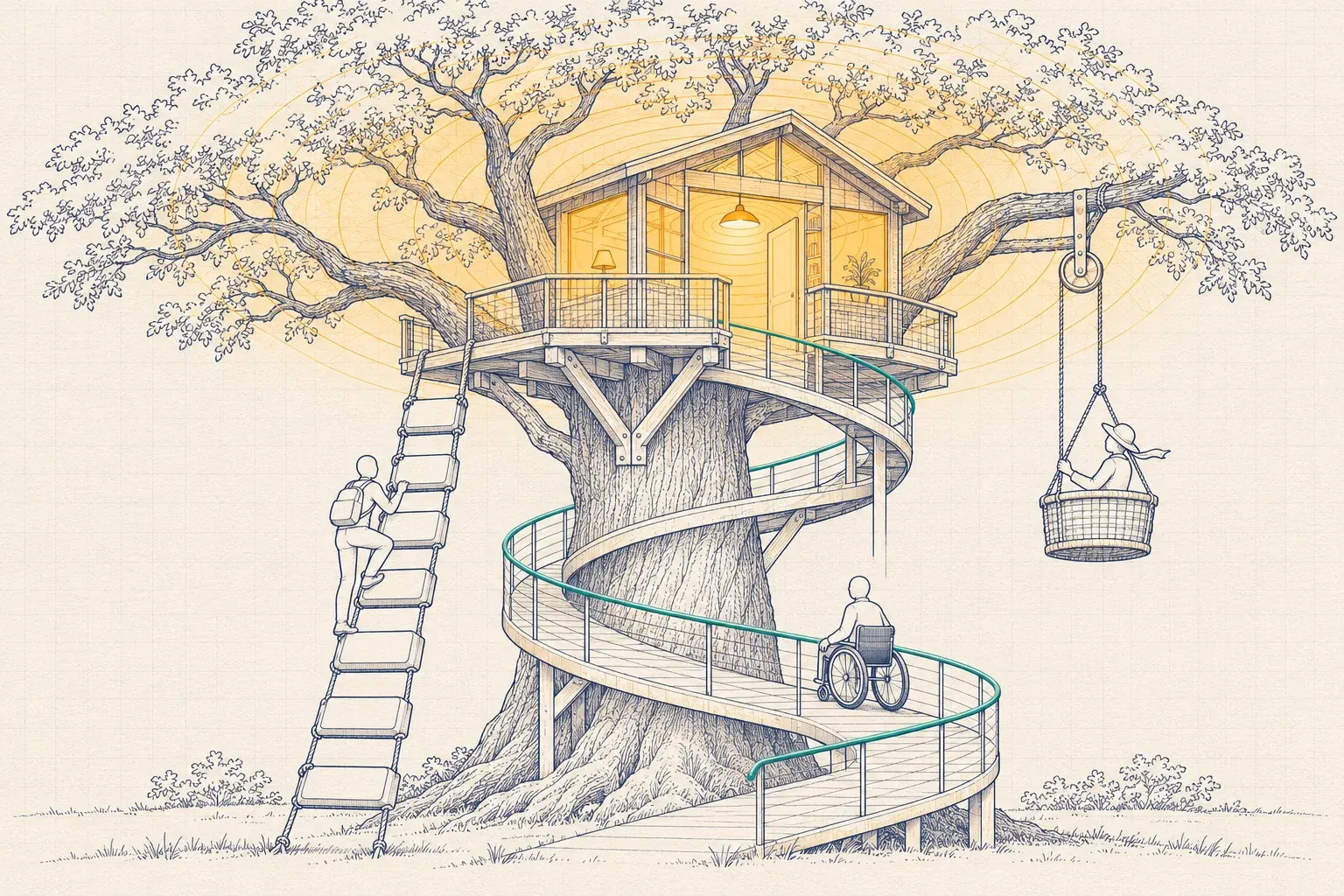
Alternative text. Every illustration has written alt text describing what it shows, and a caption explaining the idea behind it. Purely decorative graphics are hidden from screen readers so they don’t add noise.
Responsive layout. Pages adapt to small screens and to browser zoom, so you can enlarge text to the size you need.
Self-hosted fonts and a light page weight, which help pages load quickly on slower connections and older devices.
How we check
We run automated accessibility checks on pages as part of each build, and we review pages by hand with a keyboard and a screen reader when we add new templates or interactive features. Automated tools catch only some problems, which is why we also want to hear from you.
Known limitations
We’d rather tell you about the gaps we know of than have you find them:
- The interactive floor-plan hero on the home page is decorative. It illustrates how the site is organized. Everything it offers is available as a text equivalent: the same routes appear as ordinary links and headings on the page, so you don’t need to use the floor plan to find anything.
- Interactive tools are the most complex parts of the site. The Savings Estimator, the Protocol Explorer and the Start a Project wizard are designed to work with a keyboard and screen readers, but complex widgets are where problems are most likely. If any of them doesn’t work for you, email us and we’ll do the same work with you by email: an estimate, a protocol comparison or a project scoping conversation.
- The bot check on our forms. Our forms use Cloudflare Turnstile, which usually runs without asking you to do anything. If it ever presents a challenge you can’t complete, write to sales@lytbit.com directly instead of using the form.
- Illustration captions are short by design. If an illustration’s meaning isn’t clear from its alt text and caption, tell us and we’ll improve the description.
- Third-party sites. We link to standards bodies, utility programs and publications. We can’t control the accessibility of those sites or of documents they publish.
Report a barrier
If you run into any barrier on this site, or need information in a different format, write to sales@lytbit.com. It helps if you include:
- the page address, or a description of where you were;
- what you were trying to do;
- what happened, and what you expected to happen;
- the browser, device and any assistive technology you use, if you’re comfortable sharing it.
A person will respond within 2 business days, tell you what we’ll do, and when. If the fix will take time, we’ll get you the information you need another way in the meantime, for example by email, or on a call at a time that suits you.
You can also write to us at:
Lytbit 431 West Main Street, Suite 306 Tupelo, MS 38804
Keeping this statement current
We review this statement when we make significant changes to the site, and at least once a year. The statement date at the top shows when it was last updated.