Connect & Integrate

IoT hardware integration for commercial buildings

Adding sensors to a building is easy. Getting their data to arrive named, trusted and still flowing three years later is the actual job. We select, bench-test, onboard and connect IoT hardware so the data is usable on day one and stays that way.

ProjectLytbit · Smart lighting & IoT
SheetE-10
Rev26.11
DisciplineIoT Integration
DrawnLytbit Engineering
Scale1 : 1
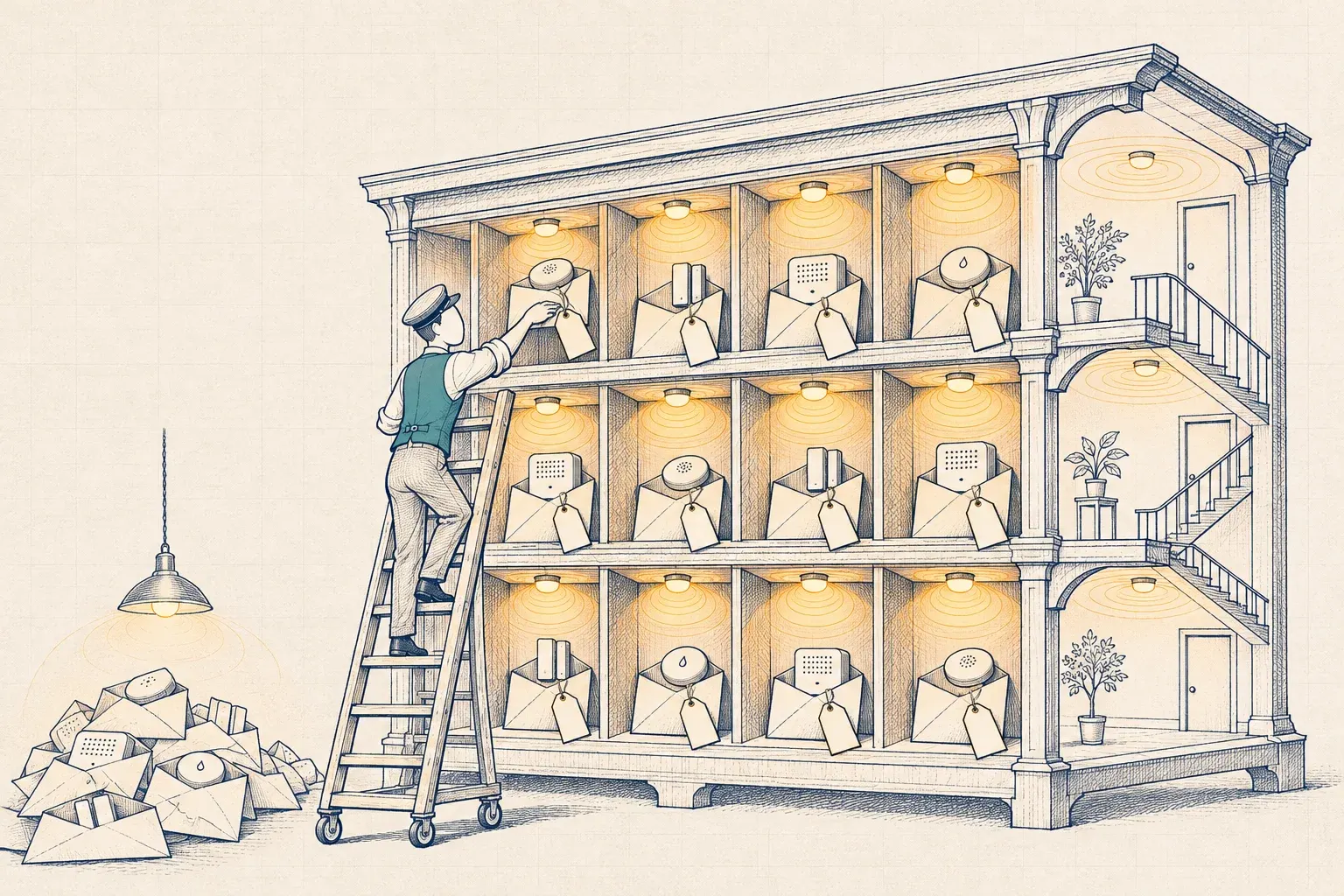
A clerk on a rolling ladder sorts small tagged sensor devices into pigeonholes arranged like the rooms of a building, while a pile of untagged sensors lies unsorted on the floor.
Plate E-10Data arrives either way. Only the tagged kind gets delivered.

What changes when we're done

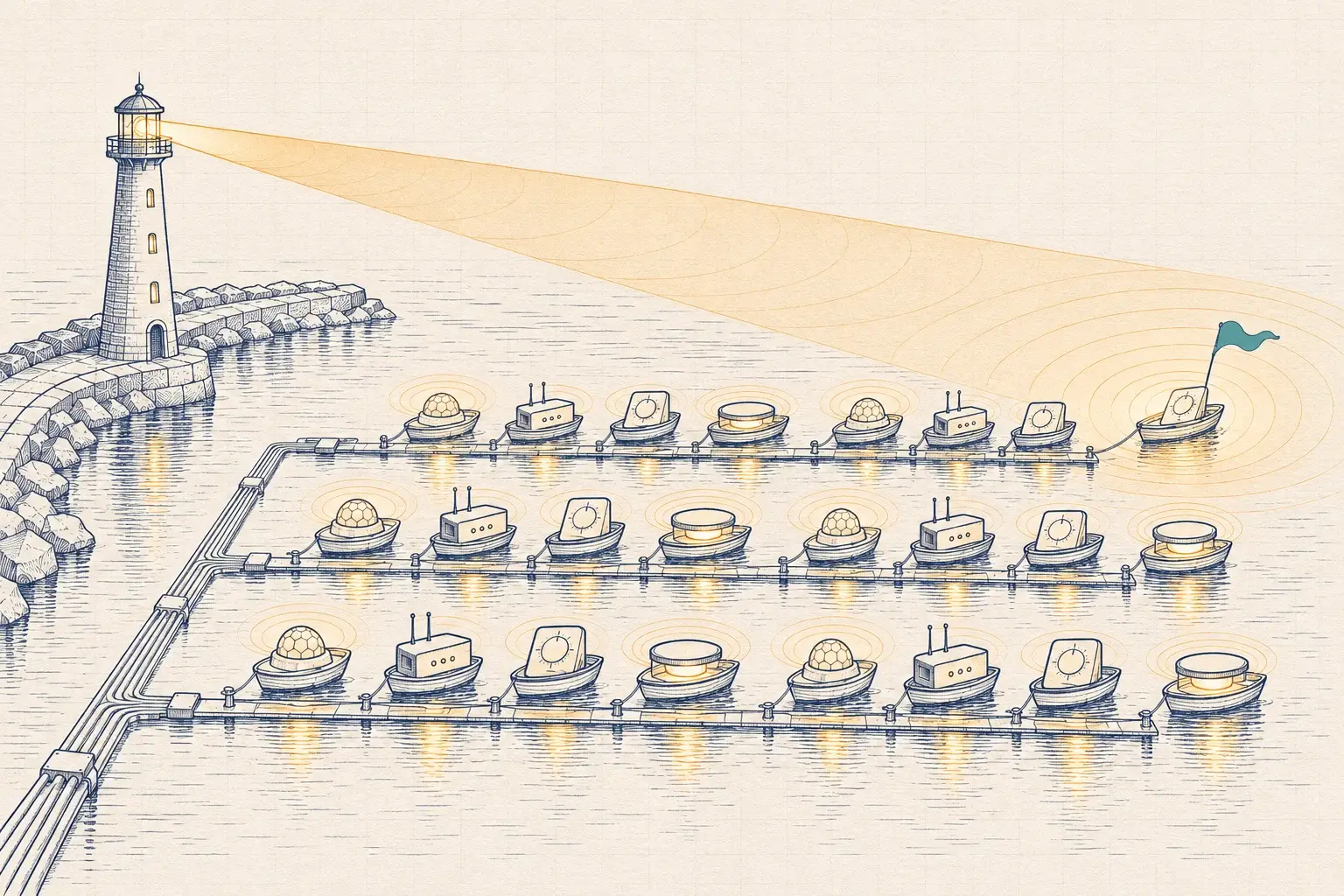
Sensors, gateways and edge computing connected over MQTT Sparkplug or BACnet, tagged with Brick or Haystack, and onboarded so every device is accounted for.

  • Every sensor named, tagged and located on the floor plan, so its data means something without a phone call
  • One data path for many vendors' devices, published over MQTT Sparkplug, BACnet or an API you control
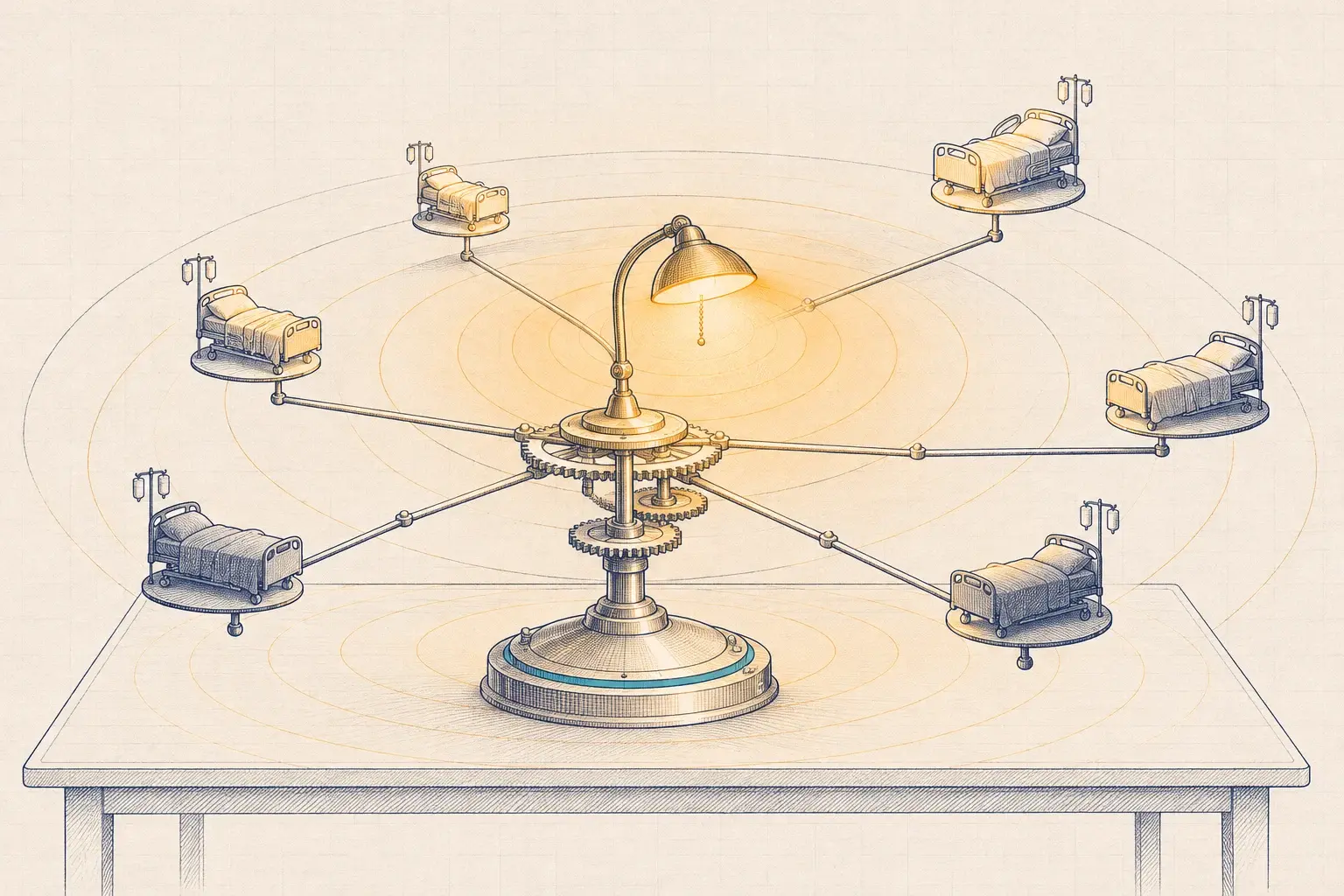
  • A device register that tracks firmware, batteries, credentials and ownership from installation to retirement
  • Hardware proven on our Lab bench before you buy it in quantity

What's included

Every engagement is scoped to the building, but these are the parts we won't skip.

E-10.01

Sensor selection and placement

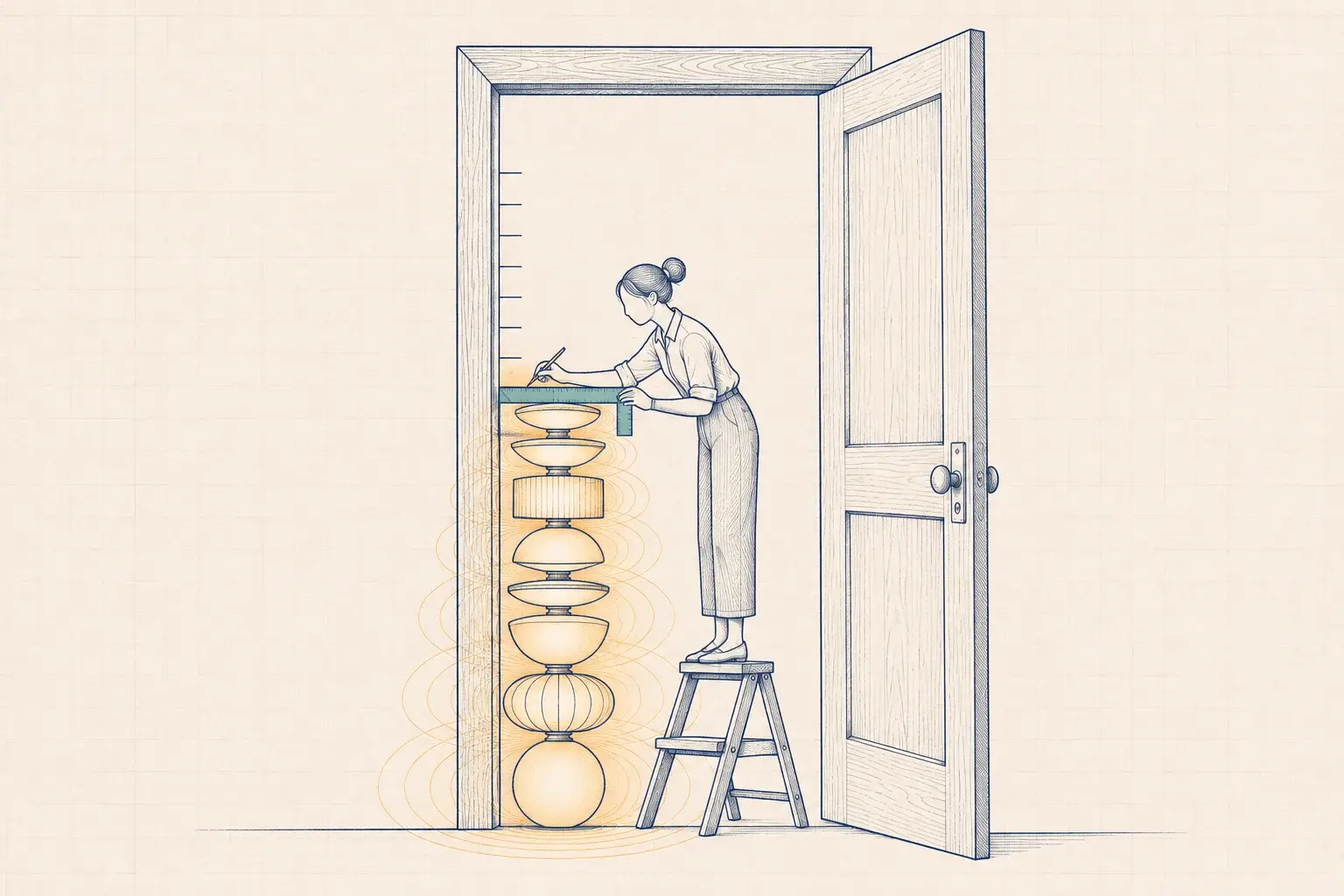
Occupancy and people counting, CO2, temperature and humidity, leak detection and door contacts, chosen for the question you're asking and placed where they'll answer it. A CO2 sensor next to a supply diffuser measures the diffuser.

E-10.02

Gateways and edge computing

Gateways that buffer data when the uplink drops, run local rules when a cloud round trip is too slow, and update without a site visit. An edge rule can close a water valve on a leak alarm without waiting on the internet.

E-10.03

MQTT with Sparkplug

Device data is published over MQTT using Sparkplug B, standardized as Sparkplug 3.0, so every subscriber gets a defined topic structure, typed metrics, and birth and death messages that show when a device goes quiet.

E-10.04

Semantic tagging

Points are tagged with Brick Schema or Project Haystack, with an eye on ASHRAE 223P as it matures, so software can find every CO2 sensor in every conference room without a spreadsheet.

E-10.05

Onboarding and lifecycle

Each device is registered with its location, owner, unique credentials, firmware version and battery date, and has a defined path for replacement and retirement.

E-10.06

Lytbit Lab bench tests

New sensors and gateways run on our bench next to your lighting platform first. We check reporting behavior, range, battery claims and exactly what each device sends over the network.

How it works

The same steps on every project, so you always know what happens next and what you'll receive.

  1. Define the questions

    We start from what you want to know or automate (a leak under a raised floor, stale air in classrooms, doors propped open after hours) and work back to the sensors.

  2. Bench and select

    Shortlisted devices run on the Lab bench for a set period. The result goes into a Bench Note you keep, including what didn't work.

  3. Design the data path

    Radios, gateways, network segment, broker, topic namespace, point names and tags, all documented before installation.

  4. Onboard and install

    Devices are provisioned with unique credentials, registered and labeled before they go on the wall, then installed and checked against the floor plan.

  5. Verify and hand over

    We confirm every device reports with the right name, units and location, then hand over the device register and the data contract.

You receive

Deliverables

  • Bench Note for each new device or gateway combination
  • Device register: location, owner, credential reference, firmware, battery and replacement date
  • Data contract: topic namespace, point names, units, tags and update rates
  • Floor plans with every sensor and gateway located and labeled
  • Tag model in Brick or Haystack form, exportable with your data

How it's scoped

Fixed fee per deployment, scoped by device count, device types and the number of systems the data must reach

  • New device types start with a pilot: a small number of devices in representative spaces, ending in a written go or no-go recommendation.
  • You can buy hardware through us or directly. We specify, bench-test and onboard it either way.
  • Ongoing device care can roll into a support plan, so batteries and firmware never become a surprise.

Good fit if

Who this is for

  • You want indoor air, leak or door data without a separate system and app for each
  • You already have sensors from several vendors and the data lives in several places
  • Your analytics or BMS team keeps asking what a point actually means
  • You need an approach to wireless devices that your IT team will sign off on

Sensors are cheap; meaning is not

A wireless leak sensor costs little and installs in minutes. That’s the trap. Buildings end up with leak sensors from one vendor, CO2 monitors from another, door contacts on the security system and occupancy in the lighting platform, each with its own app and its own idea of what “Room 214” means. The data exists. Nobody can use it together.

The real decision is how to add sensors so the data stays usable: which devices, which path into your systems, and who looks after them once they’re on the wall.

What we connect, and what we watch for

Sensor Typical question What we watch for
Occupancy and people counting Is the space used, and by how many? Lighting delays inflate presence; counters need clear sightlines
CO2 Is ventilation keeping up? Placement near diffusers, doors or windows; calibration drift
Temperature and humidity Are spaces comfortable and within limits? Sun-struck walls, sensors mounted inside cabinets
Leak Is water where it shouldn’t be? Cable versus spot sensors; who gets the alarm at 2 a.m.
Door contact Is it open when it shouldn’t be? Overlap with access control; battery life on busy doors

Gateways and the edge

Most battery sensors talk to a gateway over a low-power radio, and the gateway decides a lot about how reliable the system feels. We look for gateways that:

  • buffer readings when the internet link drops and send them later with correct timestamps;
  • run simple local rules at the edge, so a safety action such as closing a water valve doesn’t depend on a cloud round trip;
  • accept signed firmware updates remotely;
  • sit on a segmented network with only the outbound connections they need.

Where a building needs more local logic, a small edge computer can host the MQTT broker, translate protocols and keep a short history on site.

MQTT, Sparkplug and why structure matters

MQTT is a lightweight publish-and-subscribe protocol: devices publish to a broker, and any authorized system subscribes. On its own, MQTT says nothing about topic names or payload formats, so every integrator invents a scheme. Sparkplug B, standardized as Sparkplug 3.0 (ISO/IEC 20237:2023), fixes that. It defines a topic namespace, a typed payload format, and birth and death messages, so a subscriber knows the moment a gateway goes offline instead of trusting a stale last value.

When the data also has to reach a BMS, we expose the relevant points over BACnet (see BMS integration). MQTT carries the many-devices, many-subscribers traffic; BACnet carries the handful of points the HVAC sequences need.

Tags decide whether data is reusable

A point named AHU1_ZN3_CO2 means something to the person who named it. A point tagged in Brick or Project Haystack says what it measures, which equipment it relates to and which space it’s in, in a form software can query. ASHRAE 223P is developing a standard semantic model on the same ideas, and we follow it as it matures. We tag at onboarding, because tagging later from a spreadsheet of cryptic names costs more and never quite gets finished.

Onboarding and lifecycle

Every device gets an entry in the device register before it’s installed: location, unique credentials, firmware version, battery date, owner and expected replacement date. When a device is retired, its credentials are revoked and its history is kept. This is unglamorous work, and it’s what stops a sensor fleet from quietly decaying.

Proven on the bench first

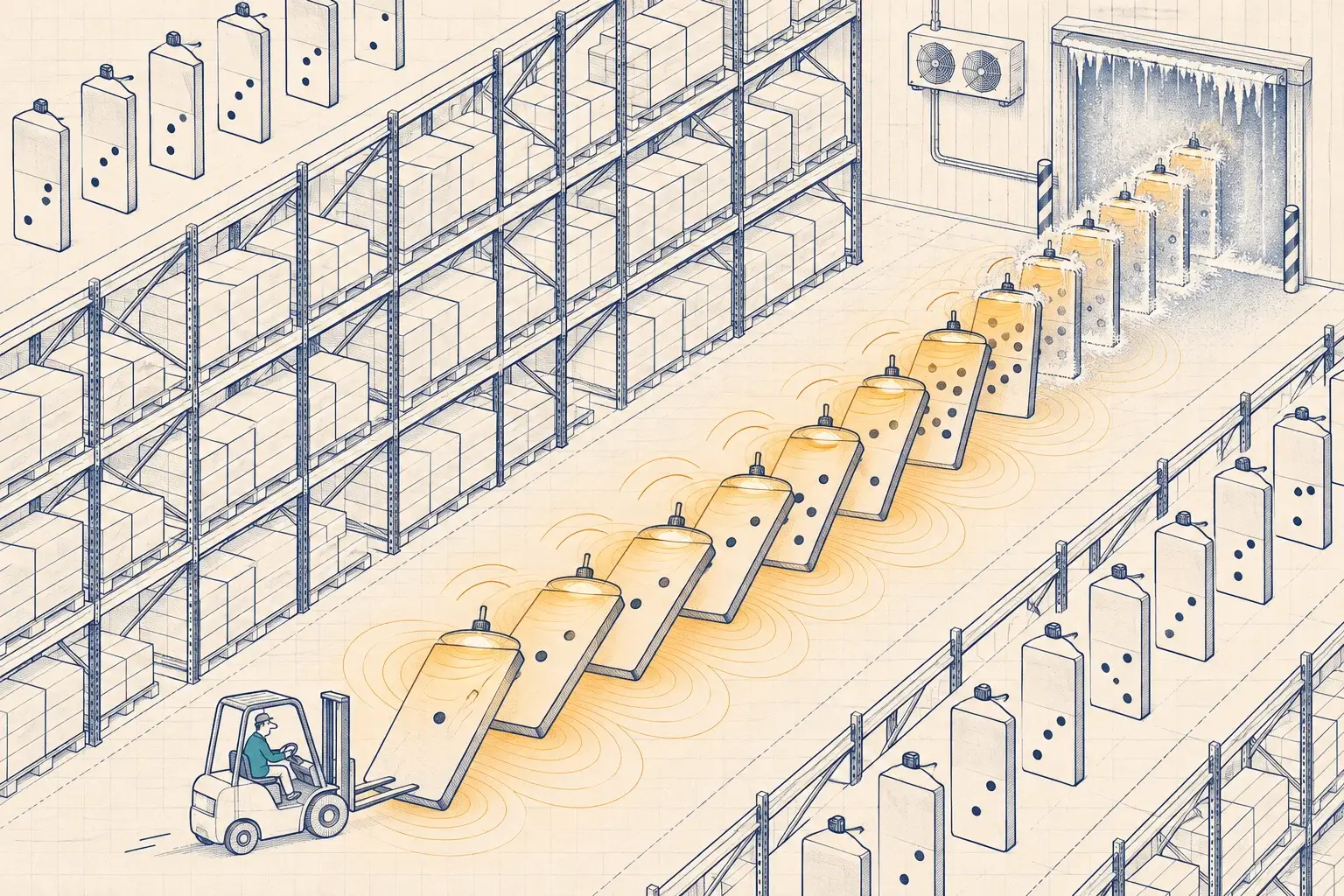
New devices and gateway combinations run on the Lytbit Lab bench before they go into a building. We compare reporting intervals with the datasheet, check range through the materials typical of your building type, capture network traffic to see where each device really connects, and record the results in a Bench Note. Sometimes the note says “don’t buy this one”, and that’s the most valuable kind.
FAQ

Questions we hear often

Still unsure? Write to sales@lytbit.com and a person will answer within one business day.

Can the lighting system's sensors replace dedicated IoT sensors?

Sometimes. Many networked lighting platforms report occupancy, and some report ambient light and temperature. That's a good first source, and it's already paid for. Lighting sensors don't measure CO2, leaks or door state, and their occupancy data is shaped by lighting time delays, so we add dedicated sensors only where the question needs them.

Why MQTT and Sparkplug instead of BACnet?

BACnet is the right tool for exchanging points with a BMS. MQTT suits large numbers of devices publishing to many subscribers, including cloud analytics. Sparkplug adds the structure plain MQTT lacks: a defined topic namespace, typed payloads and state awareness. Many projects use both, and we document where one ends and the other begins.

Brick or Haystack?

Both describe what a point is and how it relates to equipment and spaces. Haystack is widespread in existing BMS and analytics tools; Brick is a formal ontology that suits relationship-heavy queries. We choose based on the tools you use, and the tags travel with your data either way. Our post on Brick, Haystack and 223P goes deeper.

What about Matter and Thread?

We test them on the bench and follow them closely, but commercial device types are still limited. For most commercial projects today we use proven wired and wireless options and keep the data layer open, so newer devices can join later.

Who owns the data?

You do. Data that flows into Lytbit Ledger exports as CSV, through the API or over MQTT, and the tag model goes with it.

Testing a sensor or gateway before you buy a hundred?

Tell the Lab what you're considering and what you need it to answer. We'll put it on the bench and send you the Bench Note.