Industries

Office and bank branch lighting controls

Office lighting controls now do two jobs: keep people comfortable while using less energy, and show which space is actually used. We design for both, from a single floor to a network of bank branches.

ProjectLytbit · Smart lighting & IoT
SheetA-05
Rev26.11
DisciplineOffices & banking
DrawnLytbit Engineering
Scale1 : 1
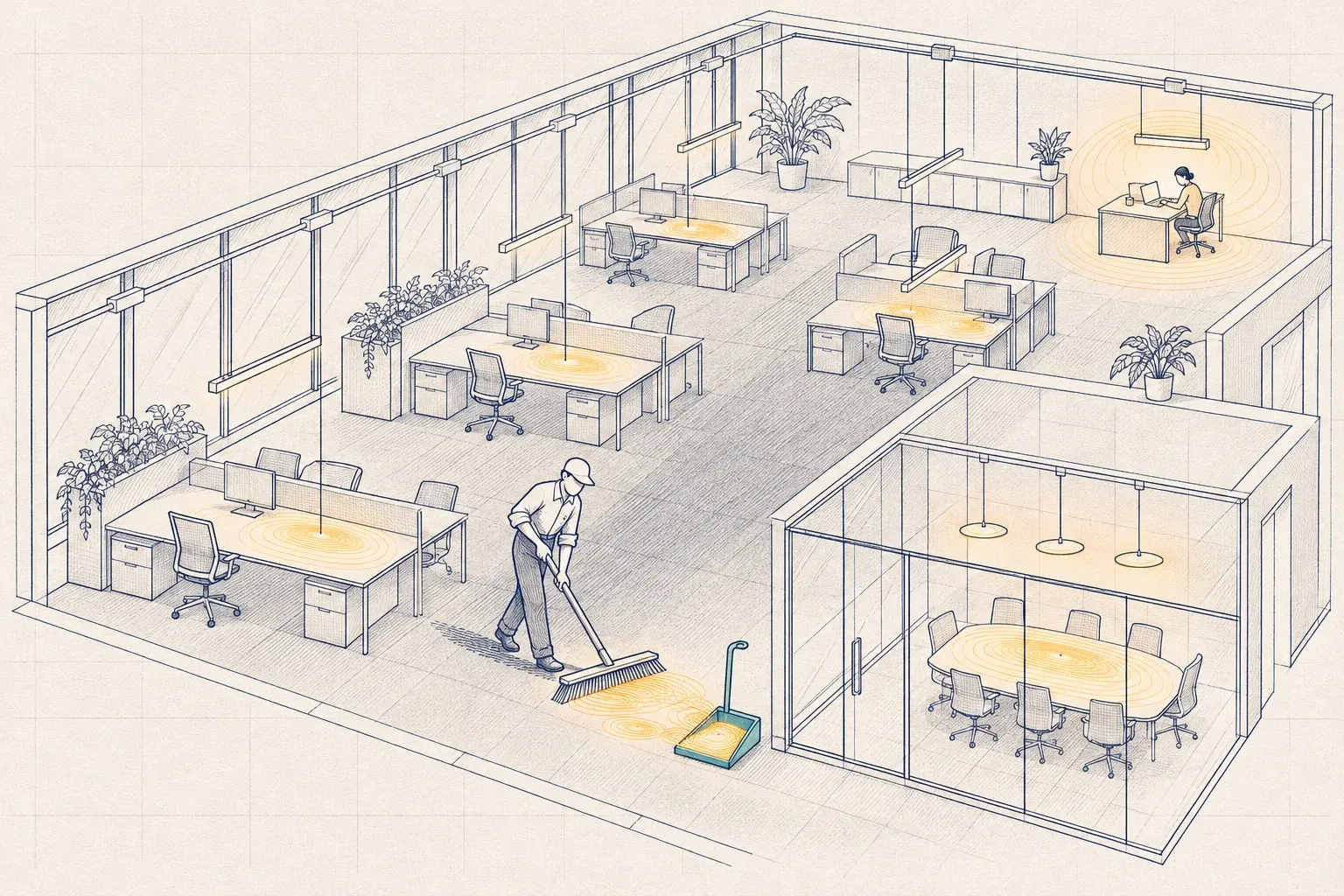
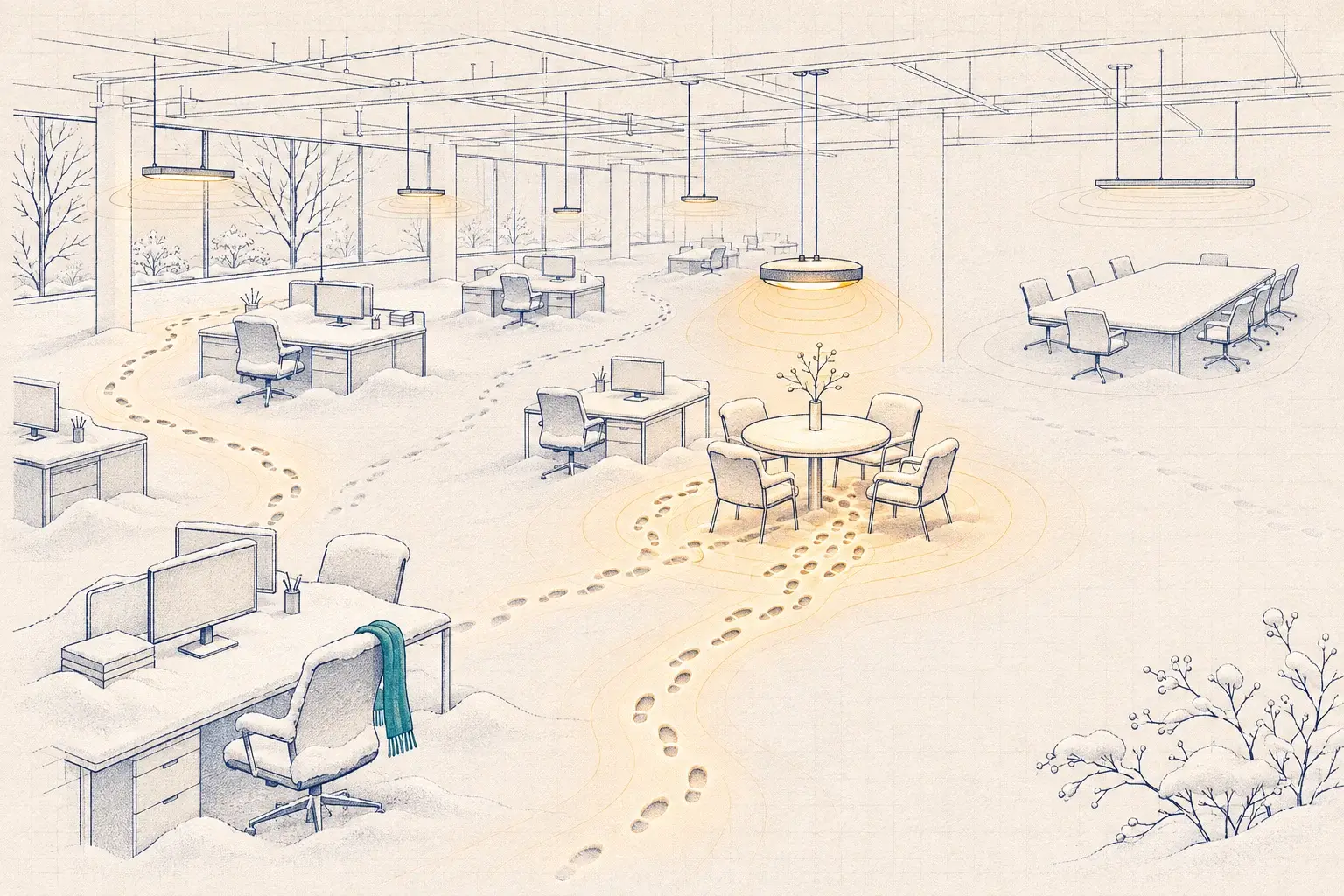
An overhead view of an empty office floor where small puddles of light sit on desks; a janitor sweeps them into a dustpan, leaving one desk lit where someone is still working.
Plate A-05At 7 p.m., most of the light in the building is leftovers.

What makes these buildings hard

Daylight, conference room, and after-hours controls for offices and branch networks, with occupancy data you can use in real estate decisions.

Condition 01

Open offices that never dim

Perimeter fixtures run at full output beside bright windows, and large open zones stay lit for one person working late.

Condition 02

Conference rooms that misbehave

Lights that turn off mid-meeting, video calls with faces in shadow, and rooms that stay lit all night after the last meeting.

Condition 03

Branch networks drift

Each branch was programmed by a different crew at a different time. Schedules, holidays, and after-hours lighting vary from site to site, and nobody can see them all.

Condition 04

Real estate decisions made blind

Leases get renewed and floors reconfigured on badge data and guesses, while the lighting sensors already see where people actually work.

What we'd do about it

Control strategies that hold up in this building type, in the order we usually apply them.

  1. Daylight and task tuning

    Perimeter zones dim with daylight, interior zones are trimmed to measured targets, and open areas hold a low background level instead of switching off whole floors.

  2. Conference rooms that behave

    Vacancy control with a longer hold, scenes for presentations and video calls, and light on faces rather than just the table.

  3. An after-hours sweep that works

    Scheduled sweeps with a warning blink and a timed override, a holiday calendar, and windows for cleaning crews.

  4. Utilization from the ceiling

    Zone-level occupancy rolled up in Ledger Space shows peak and average use by floor, team area, and room, without cameras or badges.

Typical control sequence by space type

Starting points for offices and branches. Delays, levels, and schedules are confirmed with you and recorded in the Sequence Book.

SpaceStrategyTypical setting or behaviorNotes
Open officeOccupancy dimming, daylight, and task tuningBackground level when a zone is empty; full trimmed output when occupied; perimeter dims with daylightZones sized to team clusters, not whole floors
Private officesVacancy plus daylightManual-on; off after a vacancy delay; dims with daylight where windows allowOccupant can lower the level, not raise it above trim
Conference roomsVacancy plus scenesManual-on; presentation and video scenes; off after a longer delayVideo scene lights faces, not just the table
Corridors and lobbiesSchedule plus occupancy dimmingFull output during business hours; dims after hours; full output on motionLobby may follow security policy
Bank lobby and teller lineScheduleFull output during branch hours; security level after closeHoliday calendar shared across branches
ATM vestibule and night dropDedicated schedule and monitoringSet to your security policy; never shares a zone with the lobbyAlert on failure
Drive-through canopy and parkingAstronomical schedule plus dimmingOn at dusk; full output during drive-through hours; dims afterCheck light trespass at property lines
Break rooms, restrooms, and storageOccupancy or vacancyOff after a short delaySimple sensors with dependable savings

Energy savings, or space data too?

The real question is whether your office lighting controls should simply save energy, or also tell you how your space is used. For a single floor, energy may be enough. For a headquarters with a lease to renew or a network of branches, the occupancy data can be worth more than the kilowatt-hours.

Open offices: dim, don’t switch

The classic complaint in an open office is the whole floor shutting off on someone working late. The opposite is just as common: a large zone lit at full output for one person at 7 p.m. Both come from zones that are too big and sequences that only know on and off.

We zone open areas by team cluster, hold a low background level when a zone is empty, and bring it to full trimmed output when someone sits down. Perimeter zones dim with daylight, and we tune those sensors on both bright and overcast days before signing them off. High-end trim matters here too: many new LED offices are over-lit at full output, and trimming to a measured target saves energy every hour the building is open.

Conference rooms

Conference rooms generate more complaints per square foot than any other office space. The fixes are simple once someone writes them down:

  • Vacancy, not occupancy. People turn the lights on; the room turns them off after everyone leaves.
  • A longer hold. Seated people move little, so delays are longer than in a corridor.
  • Light on faces. Video calls need light on people, not just a bright table. A video scene brings up the wall or front-of-room fixtures.
  • Scenes on one keypad. Presentation, video, and full, labeled clearly.

The after-hours sweep

The after-hours sweep is one of the largest savings strategies in an office, and one of the most often broken. A sweep should turn lighting off on a schedule, blink a warning first, let anyone still working extend it with a switch, and know about holidays. It should also leave room for cleaning crews. We test the sweep on a real evening during commissioning, not just in a configuration screen.

Bank branches and multi-site offices

Branch networks have a particular problem: twenty or fifty small sites, each programmed by a different crew. Lobby hours, holiday schedules, after-hours security lighting, and ATM areas end up different everywhere.

We write a branch standard, pilot it at one or two branches, and roll it out site by site. Every branch reports to one Lytbit Ledger workspace, so a schedule change or a holiday applies once, and Ledger Watch flags the branch that is lit at 2 a.m. ATM vestibules and night drops stay on dedicated controls, follow your security policy, and raise an alert if they fail.

Occupancy analytics for real estate decisions

Your lighting sensors already see which zones and rooms are used, and when. Rolled up in Ledger Space, that becomes utilization by floor, team area, and conference room: peak and average use, rooms that are booked but empty, and floors that could be consolidated. It is presence data by zone, not surveillance; nobody is identified. Before a lease renewal or a reconfiguration, a few months of that data is a better input than a survey. Our occupancy analytics service covers sensor choice, privacy, and reporting.

Incentives and code

Utility programs in our region generally support networked controls in offices, though eligibility and tracks differ. TVA EnergyRight requires pre-approval before purchase and gives additional credit for networked controls, while Entergy Mississippi and Mississippi Power run their own commercial programs. We prepare the applications and coordinate with your local power company and program staff.

Which energy code edition applies varies by jurisdiction, and we confirm it with the authority having jurisdiction. The 2024 IECC lowers the wattage threshold for daylight-responsive controls, and recent editions of both ASHRAE 90.1 and the IECC require functional testing, which we document on every job. For an older building, see our representative 1920s downtown office scenario.

What we’d do first

Pick one floor and one week. Sample-test its sequences, then log occupancy for a few weeks before anyone decides how much space you need.
FAQ

Questions we hear often

Still unsure? Write to sales@lytbit.com and a person will answer within one business day.

Are occupancy analytics from lighting sensors accurate enough for real estate decisions?

For presence by zone and time, yes, once the sensors are commissioned and the zones match how the floor is used. They tell you whether an area was in use, not who was there or how many people. Where you need headcounts, we add dedicated people-counting sensors. See occupancy, vacancy, and utilization sensors.

Do occupancy analytics raise privacy concerns?

Lighting sensors detect presence or motion, not identity. We report by zone and time, the data is hosted in the US, and you own it. We help you explain the system to staff before it goes live.

Can you standardize controls across our bank branches?

Yes. We write a branch standard covering sequences, schedules, naming, and device types, pilot it at one or two branches, then roll it out and monitor every site from one Lytbit Ledger workspace.

What about ATM and night-drop lighting?

Those areas follow your security policy and any local requirements first. We keep them on their own controls, schedule them separately from the lobby, and alert you if they fail.

Is PoE lighting a good fit for an office?

Sometimes. It works best in renovations where ceilings are open and IT owns the network design. We weigh it honestly against wireless controls. See PoE lighting: where it pays off and where it doesn't.

Renewing a lease or rolling out a branch standard?

Send us a floor plan or a branch list. We'll tell you what your ceiling can already measure and what it would take to standardize.