Platform

Lytbit Ledger: an energy ledger for every fixture and zone

Lytbit Ledger keeps a running account of what every fixture and zone uses, when, and why. It works on top of the controls you already have, and the data is yours to take anywhere.

ProjectLytbit · Smart lighting & IoT
SheetT-01
Rev26.11
DisciplineSoftware
DrawnLytbit Engineering
Scale1 : 1
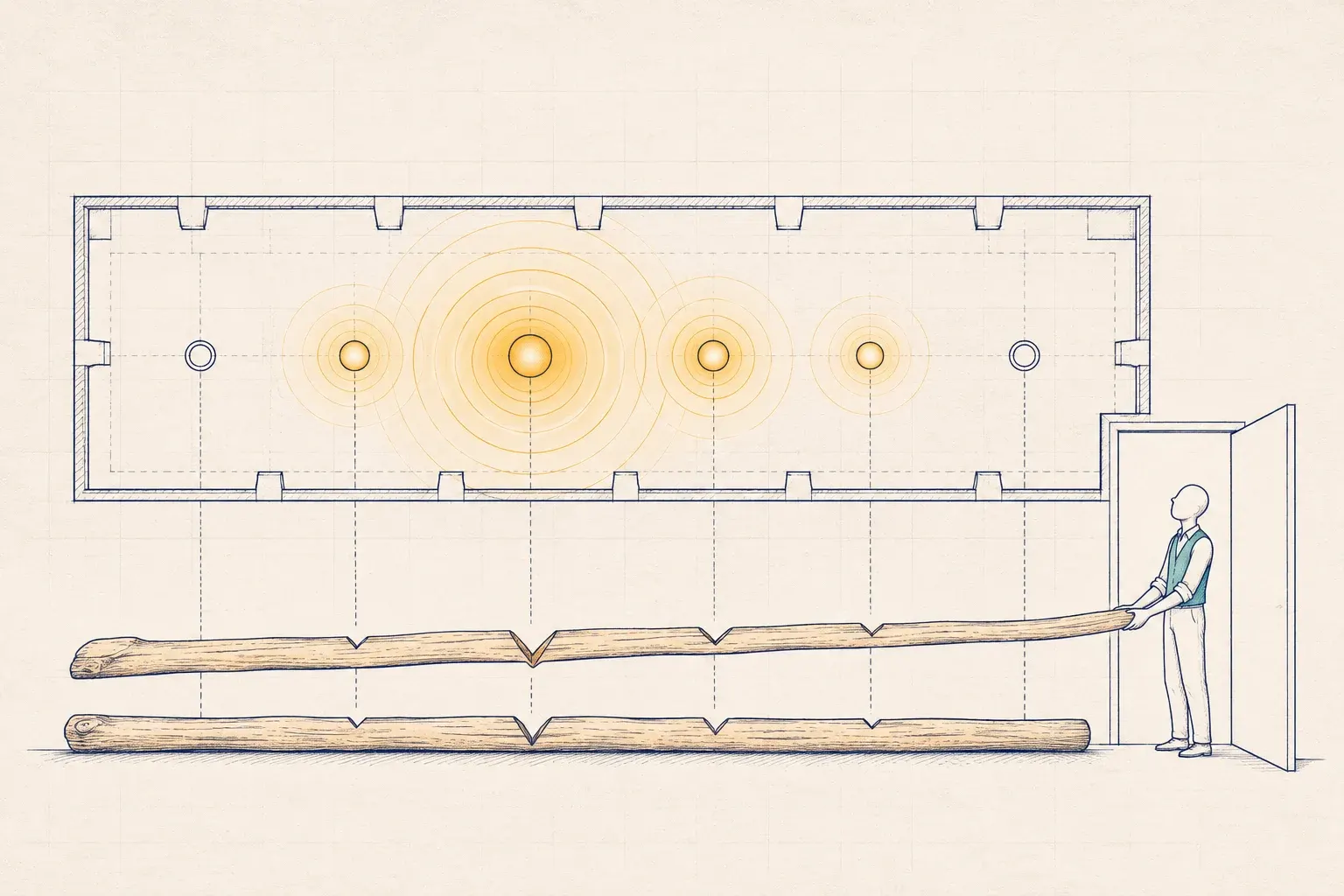
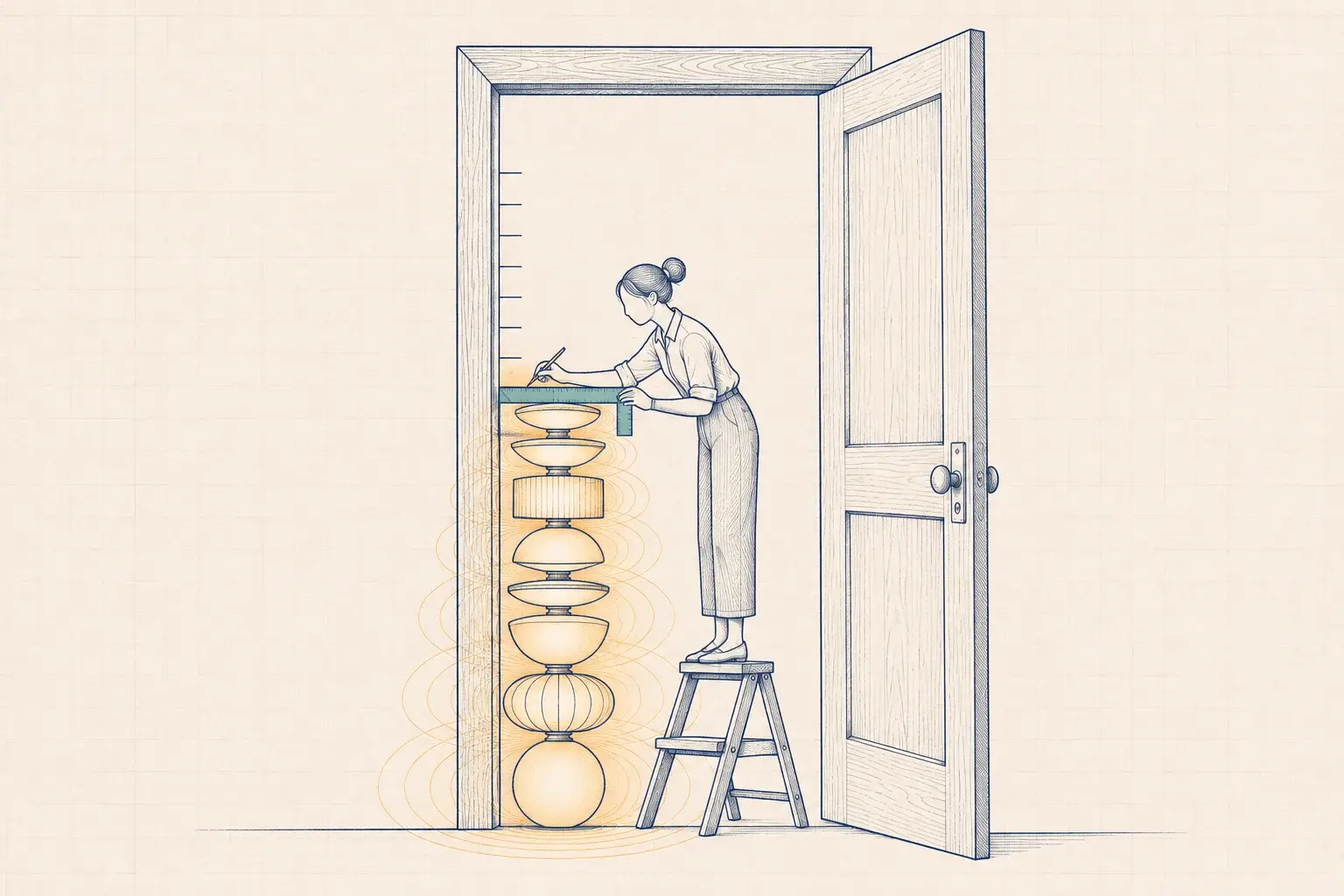
A long notched wooden tally stick lies beneath a row of ceiling lights, its notches aligned with the fixtures, split in half with one half held by a small figure in a doorway.
Plate T-01A record you can't take with you is someone else's record.

One ledger for every fixture, zone and kilowatt-hour

Ledger reads from the controls you have, not just the ones we install. It turns their data into an energy record you can audit, alarm on and hand to your utility program.

How data flows

From a device in your ceiling to a line in a report, in five stages.

  1. Collect at the edge

    A Lytbit gateway on your lighting network segment reads the controls system through its API or BACnet, plus D4i driver data, meters over Modbus, and sensors over MQTT.

  2. Send outbound only

    The gateway opens an encrypted, outbound-only connection to Ledger. No inbound firewall ports, and no remote desktop into your network.

  3. Normalize and tag

    Points are named and tagged using Brick or Project Haystack conventions, units are checked, and gaps are flagged rather than quietly filled in.

  4. Keep the accounts

    Energy is attributed to fixtures and zones, compared with the baseline, and checked against fault rules. Every configuration change is logged with who made it and when.

  5. Act and export

    Alerts go to the people you choose, reports go to programs and auditors, and every record is available as CSV, through the API, or as an MQTT stream.

Measured, calculated, or estimated

Ledger is only as precise as the hardware feeding it. We label every figure by how it was obtained, so nobody mistakes an estimate for a measurement.

What your system providesWhat Ledger recordsHow it's labeled
Per-fixture energy reporting, such as D4i drivers or luminaire-level controls with meteringMeasured kWh per fixtureMeasured
Zone state and dim level, without meteringkWh calculated from fixture wattage, dim level, and run time, calibrated against a circuit meterCalculated, with the calibration date
Circuit or panel meters onlykWh per circuit, allocated to zones by schedule and occupancyAllocated
Time clocks or standalone sensors, with no networkBuilding-level interval data plus spot measurementsEstimated

Who uses it

01

Facility managers

Watch alerts for what's broken, Space for what's used, and a change log that answers who changed the schedule.

02

Energy and sustainability leads

Meter for verified savings and Reports for ESG and Portfolio Manager data, with the method written next to every number.

03

Finance teams

M&V results for capital decisions, incentive documentation, and the performance record behind a lighting-as-a-service contract.

04

IT teams

Outbound-only connections, SSO, access logs, and open exports, so Ledger fits your standards instead of becoming an exception.

05

Program staff and auditors

Read-only access to the records an incentive or code review needs, without an email chain of attachments.

A ledger, not a dashboard

A dashboard shows you what’s happening now. A ledger keeps the accounts: every kilowatt-hour attributed to a fixture or zone, every alarm with its resolution, every configuration change with a name and a timestamp. That history is what measurement and verification needs, what an incentive post-inspection asks for, and what a new facility manager reads to find out why the warehouse aisles dim to 20% instead of 10%.

It’s also what keeps savings from quietly eroding. Most controls savings are lost not to failures but to drift: a schedule changed for an event and never changed back, a sensor blocked by new shelving, an override that became permanent. Ledger Watch looks for exactly those patterns and puts a kWh figure on each one, so you can decide which are worth fixing first.

Deployment: on top of what you already have

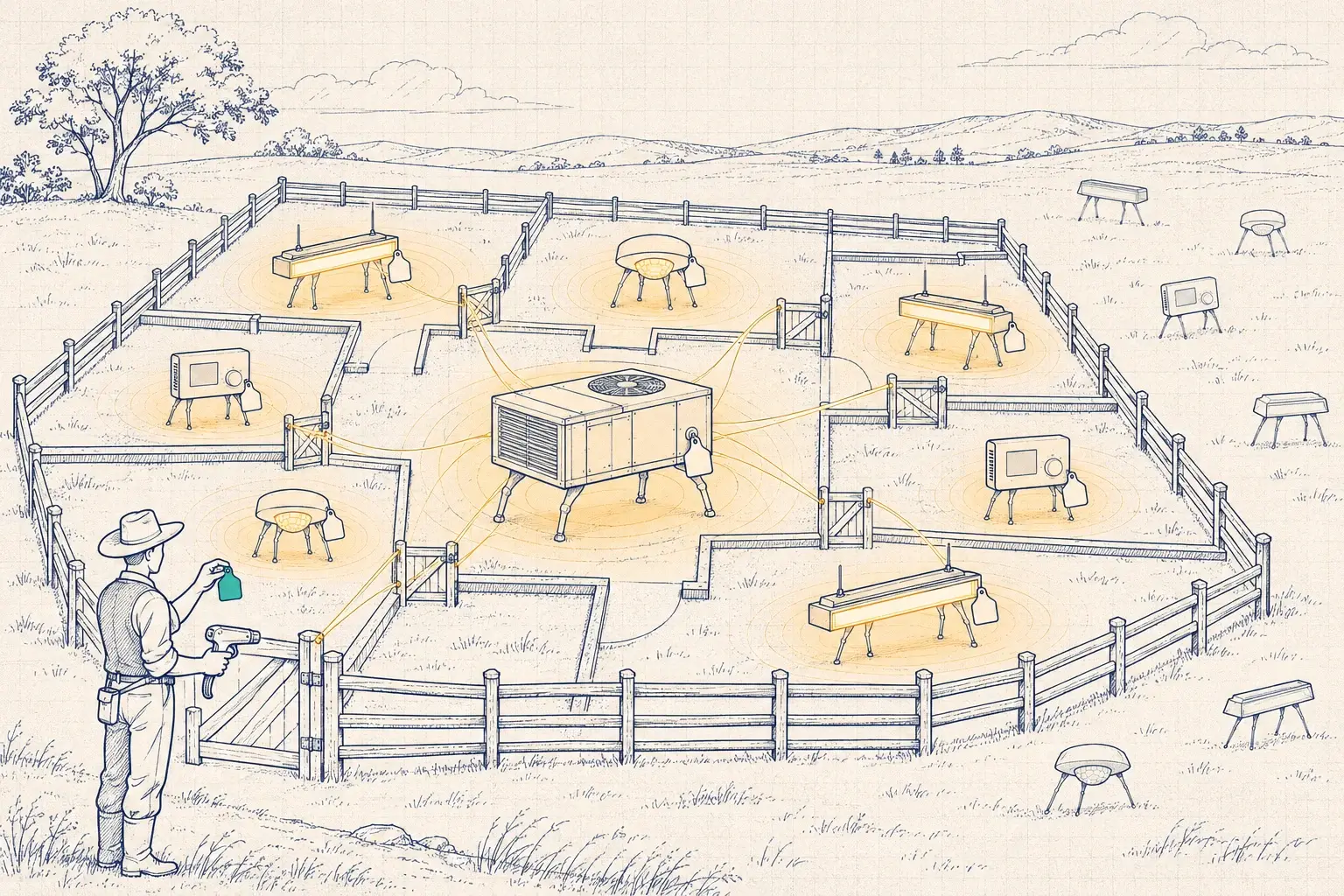
Ledger is built for buildings that already have controls, often from more than one manufacturer. A gateway on the lighting network reads each system through its own API or BACnet interface. Where a platform exposes nothing useful, circuit meters fill the gap. Gateway installation is usually a single site visit, and we coordinate the network side with your IT team before we arrive.

We test every new platform connection on the Lytbit Lab bench first, so the level of detail we promise is the level you get. The full list of protocols Ledger can ingest is on our integrations page.

Ledger is included in the Operate step of our approach, and it’s available on its own as an analytics subscription scoped by site and device count. Support plans add response times and field visits; see managed monitoring and support.

Reports you can send without rewriting them

  • M&V reports: baseline, method, adjustments, and results, with the uncertainty stated.
  • Incentive packages: the measured performance and documentation that utility programs request after installation.
  • Commissioning records: configuration reports, functional test logs, and trim schedules from commissioning, kept current as the system is tuned.
  • ESG summaries: energy and emissions data in the formats your reporting team uses, including data for ENERGY STAR Portfolio Manager.
  • Operations reports: monthly or quarterly faults, fixes, and tuning changes for the people who run the building.

Your data stays yours

Ledger is hosted in the US, and the customer owns the data. Every record can be exported at any time as CSV, through the API, or as an MQTT stream into your own systems, with no export fees and no request form. If you stop using Ledger, you get a full export before anything is deleted. We don’t sell your data, and we don’t use it to compare you with anyone else without your written permission.

The details of segmentation, access control, retention, and incident response are on our security and data page.
FAQ

Questions we hear often

Still unsure? Write to sales@lytbit.com and a person will answer within one business day.

Do we need to replace our controls to use Ledger?

No. Ledger connects to most networked systems through a gateway and the platform's own API or BACnet interface. Where a system has no data interface, we add circuit metering. We check what your platform exposes during the Bench step before we promise any level of detail.

Is Ledger fixture-level in every building?

Only where the hardware reports fixture-level energy. Elsewhere, Ledger calculates or allocates energy by zone and labels it that way. The labels follow the data into every report and export.

Can Ledger change settings on our lighting?

Ledger is read-only by default. Write access is opt-in, granted point by point, and mostly used by Ledger Flex for demand response events you've agreed to in advance. Every write is logged.

Where is the data hosted, and who owns it?

Ledger is hosted in the US, and you own the data. You can export all of it at any time as CSV, through the API, or over MQTT. See security and data for retention and access control.

Can we use Ledger without a Lytbit support plan?

Yes. Ledger is a subscription on its own, scoped by site and device count. Watch, Tune, and Steward support plans add our response times, tuning visits, and re-commissioning on top.

See what Ledger would show for your building

Send a sample export from your controls system or a year of utility bills. We'll show you what Ledger would track, and at what level of detail.