The decision: what the lighting network is allowed to touch
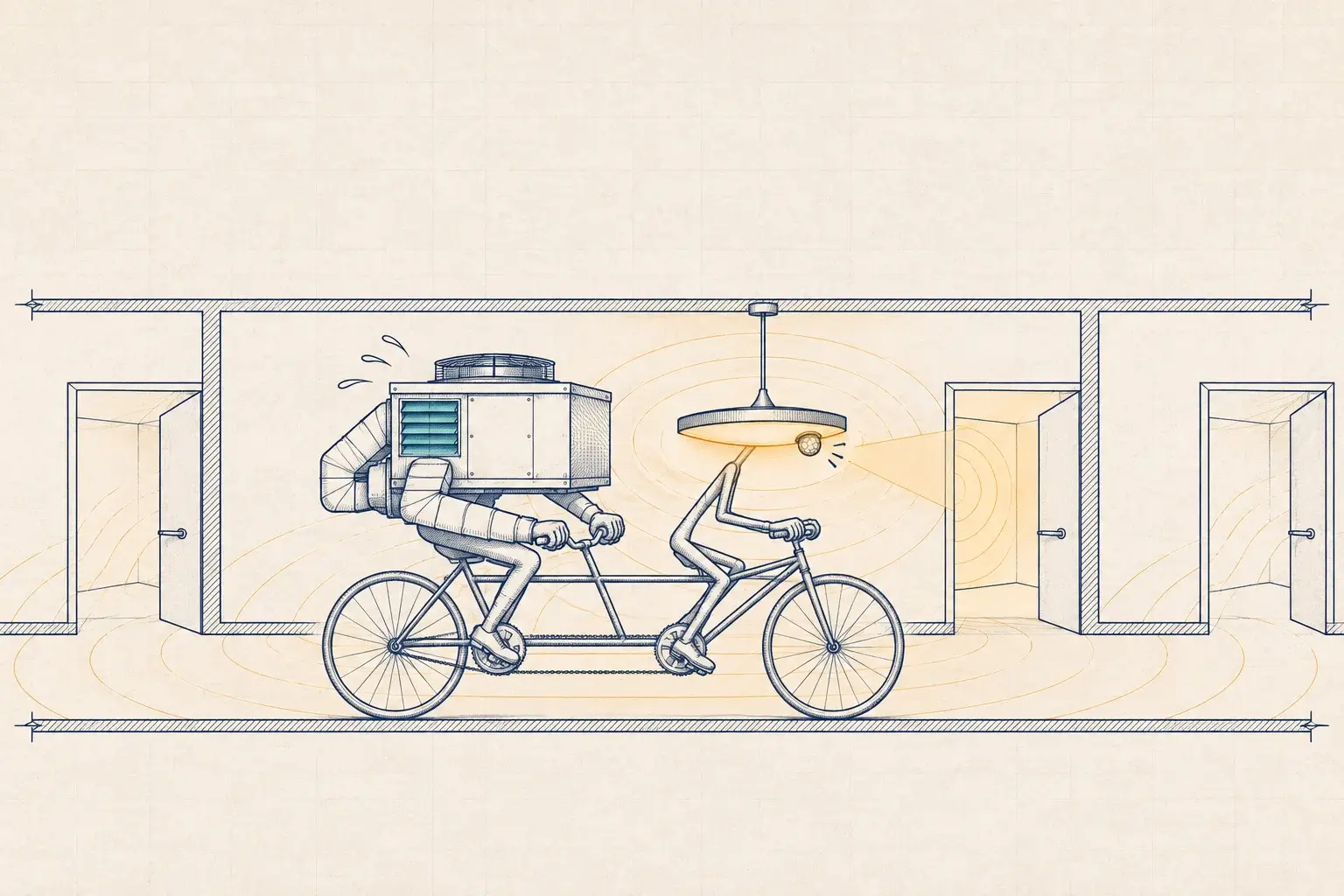
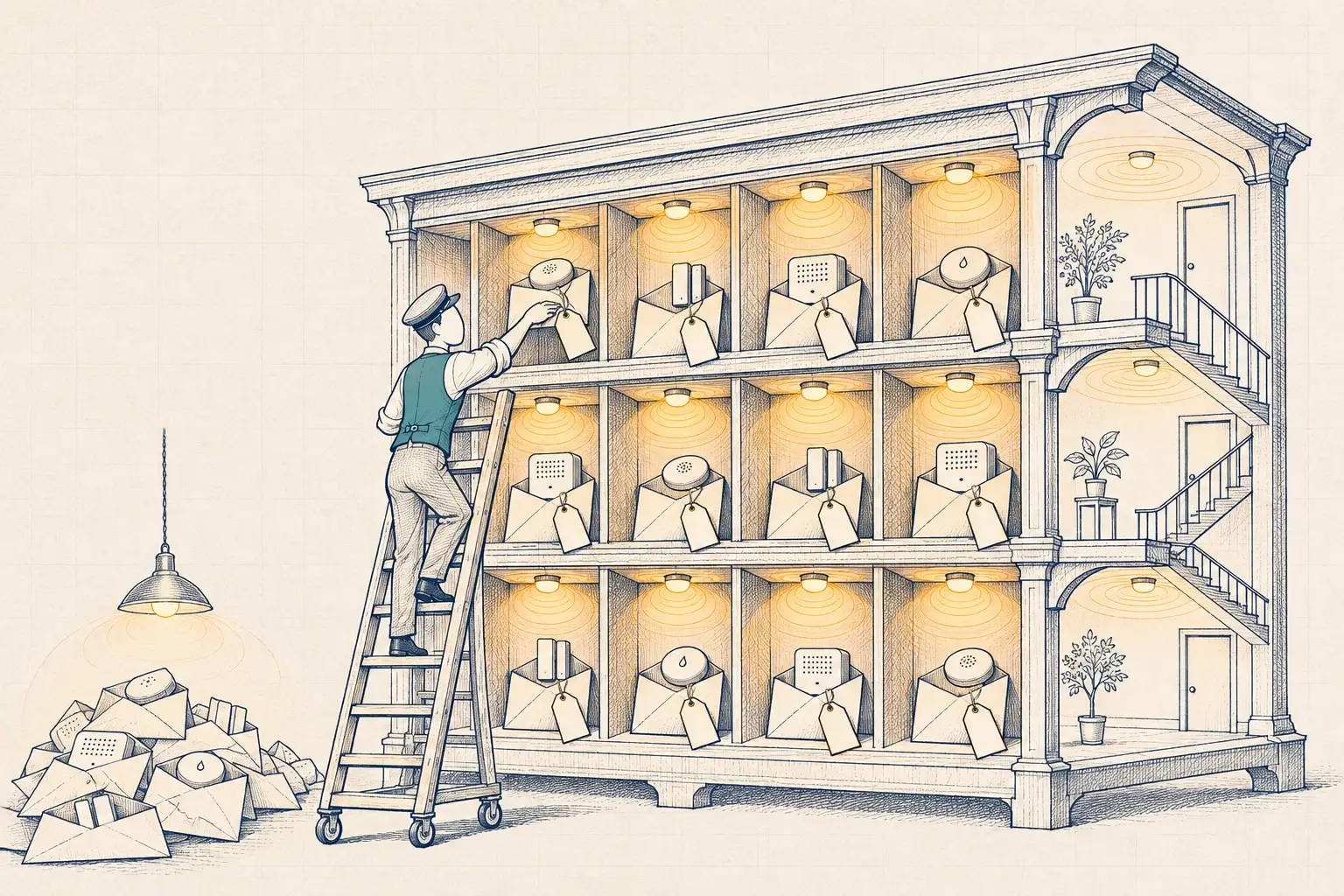
A modern lighting control system is a network of computers. Gateways run operating systems. Controllers accept firmware updates. Sensors report data. Many platforms want a path to a cloud service, and the building automation team wants occupancy points. Before long, someone asks IT to patch a lighting gateway into the building network.
Most IT teams have learned to be wary of this, with good reason. Building systems are often installed by contractors who leave default passwords, never update firmware, and open remote access for convenience. IT departments now routinely review building networks, and a lighting project that arrives without answers can stall for weeks.
The decision to make early is what the lighting network is allowed to connect to, and on what terms. The twelve questions below are the ones we ask on every project, and the ones we’d want an IT lead to ask us.
Architecture
1. Where does the lighting system live on the network? The right answer is a dedicated segment for operational technology, separate from office, guest and payment networks, with firewall rules that allow only the flows the system needs. “On the same network as the printers” is the wrong answer.
2. What does it need to talk to, and why? Ask for a list of every flow: gateway to controllers, gateway to BMS, gateway to a cloud service, technician laptop to gateway. Each should have a reason. Anything the vendor can’t explain should be blocked.
3. Does it work if the internet connection drops? Lighting must keep running locally. Schedules, sensors and overrides should not depend on a cloud service. If they do, that’s a resilience problem as well as a security one.
4. Which protocols carry building data, and are they secured? BACnet/IP was designed for closed networks and doesn’t encrypt traffic. BACnet/SC (ASHRAE 135 Annex AB) uses TLS over WebSockets with mutual authentication and removes the need for broadcast management devices. Where both the lighting platform and the BMS support it, we prefer BACnet/SC. Our post on BACnet/SC for lighting covers the details.
Identity and access
5. Who holds the administrator credentials? The owner should. Not the installer, not the manufacturer’s regional technician, not us. We set up named accounts for each party with the least access they need, and hand the owner the master credentials at turnover.
6. Are default passwords changed on every device that has one? Gateways, controllers, switches and wireless access points. This is the most common finding when we audit an existing system.
7. How does remote access work? If the vendor or integrator needs remote access for support, it should go through a method IT approves, with individual accounts, logging, and the ability to turn it off. A permanent always-on tunnel to a vendor’s support desk is a red flag.
Firmware and lifecycle
8. How are firmware and software updates delivered, tested and approved? Ask how often updates come, how you are told about security fixes, whether updates are signed, and who tests them before they reach the building. A firmware update that resets high-end trim is a facilities problem; one that opens a new port is an IT problem.
9. What happens at end of life? Ask how long the platform will receive security updates, and what happens when it stops. Gateways and controllers also leave the building eventually, with credentials and configuration on them. Wipe them before they go.
Data and cloud
10. What data leaves the building, where is it stored, and who owns it? Energy and occupancy data can reveal when a building is empty. Ask where it is hosted, how long it is kept, who can see it, and whether you can export it and delete it. In our Lytbit Ledger platform, data is hosted in the US, the customer owns it, and it can be exported as CSV, through an API or over MQTT.
11. What is logged, and can IT see it? Logins, configuration changes, firmware updates and failed access attempts should be logged and, ideally, forwarded to whatever IT already uses for monitoring.
Standards and evidence
12. What evidence backs the vendor’s security claims? DLC’s NLC5 technical requirements have included a cybersecurity requirement since 2022–23, so a DLC-listed networked system should be able to show the documentation behind its listing. IEC 62443-4-2 is the relevant international standard for component security in automation systems, and NIST publishes guidance on IoT device security that many IT teams already use. Consumer labels such as the Cyber Trust Mark are aimed at home products and don’t answer commercial questions.
Wireless and PoE change the questions
Two architectures shift where the risk sits.
Wireless mesh systems, such as Bluetooth Mesh or Zigbee, keep most lighting traffic off the IP network entirely. That shrinks the surface IT worries about, but it makes the gateway that bridges the mesh to the building network the critical device. Ask how devices join the mesh, how network keys are managed and rotated, and what happens when a device is removed or replaced.
PoE lighting is the opposite case. Every fixture or node is an Ethernet endpoint on a switch, so in those spaces the lighting system is the IT network. IEEE 802.3bt allows up to 90 W per port at the source, which makes the switch both the data path and the power supply. Switch configuration, port security and switch firmware then matter as much as the fixtures. On any PoE lighting project, we ask IT to own or approve the switch design from the start.
A summary for the IT meeting
| Question | Good answer | Red flag |
|---|---|---|
| Network placement | Dedicated OT segment with explicit firewall rules | Same flat network as office devices |
| Required flows | A documented list with a reason for each | “It just needs internet” |
| Offline behavior | Full local operation without cloud | Schedules stop if the cloud is unreachable |
| Building protocols | BACnet/SC where supported; BACnet/IP confined to the OT segment | BACnet/IP routed across the enterprise network |
| Credentials | Owner holds admin; named accounts per party | Shared logins known to the installer |
| Default passwords | Changed on every device, recorded securely | Still set at the factory value |
| Remote access | IT-approved method, logged, can be switched off | Permanent vendor tunnel |
| Firmware | Signed updates, security notices, tested before deployment | Updates applied automatically without notice |
| End of life | Published support horizon; wipe procedure | No answer |
| Data | Documented hosting, retention and export; owner owns data | Vendor owns data; no export |
| Logging | Logs available to IT | No logs, or logs only visible to the vendor |
| Evidence | DLC cybersecurity documentation; IEC 62443-4-2 alignment | Marketing statements only |
How the Lab answers these questions
We don’t take a vendor’s answers on faith, and we wouldn’t expect your IT team to take ours. In the Lytbit Lab, we put candidate gateways and controllers on an isolated test network with packet capture and watch what they do: which addresses they contact, which ports they open, how they behave during a firmware update, and what happens when the internet connection is cut. The result is a Bench Note with the observed flows, which becomes the basis for the firewall rules.
That evidence changes the conversation. A hospital IT team in Tupelo or a school district network administrator in North Alabama doesn’t need to trust a marketing sheet; they can read what the device actually did on the wire.
What we’d do
Before a lighting system touches your network, we’d:
- Meet IT at the start of design, not at the end of installation. Bring the twelve questions and agree on who answers each.
- Bench test the proposed gateways and controllers with packet capture, and share the Bench Note.
- Design the segment and write the firewall rules from observed flows.
- Set up identity properly: owner-held admin credentials, named accounts, no defaults.
- Agree the update and remote-access process in writing, including who approves changes.
- Document it all in a network design record that lives with the configuration report.
That is the core of our Building Network & IoT/OT Cybersecurity service. If your lighting system is already installed and nobody can answer these questions, a Baseline Assessment includes a network review of the existing controls and a list of what to fix first.
Filed under: cybersecurity · IT/OT · network segmentation · BACnet/SC · IEC 62443