The quiet failure mode
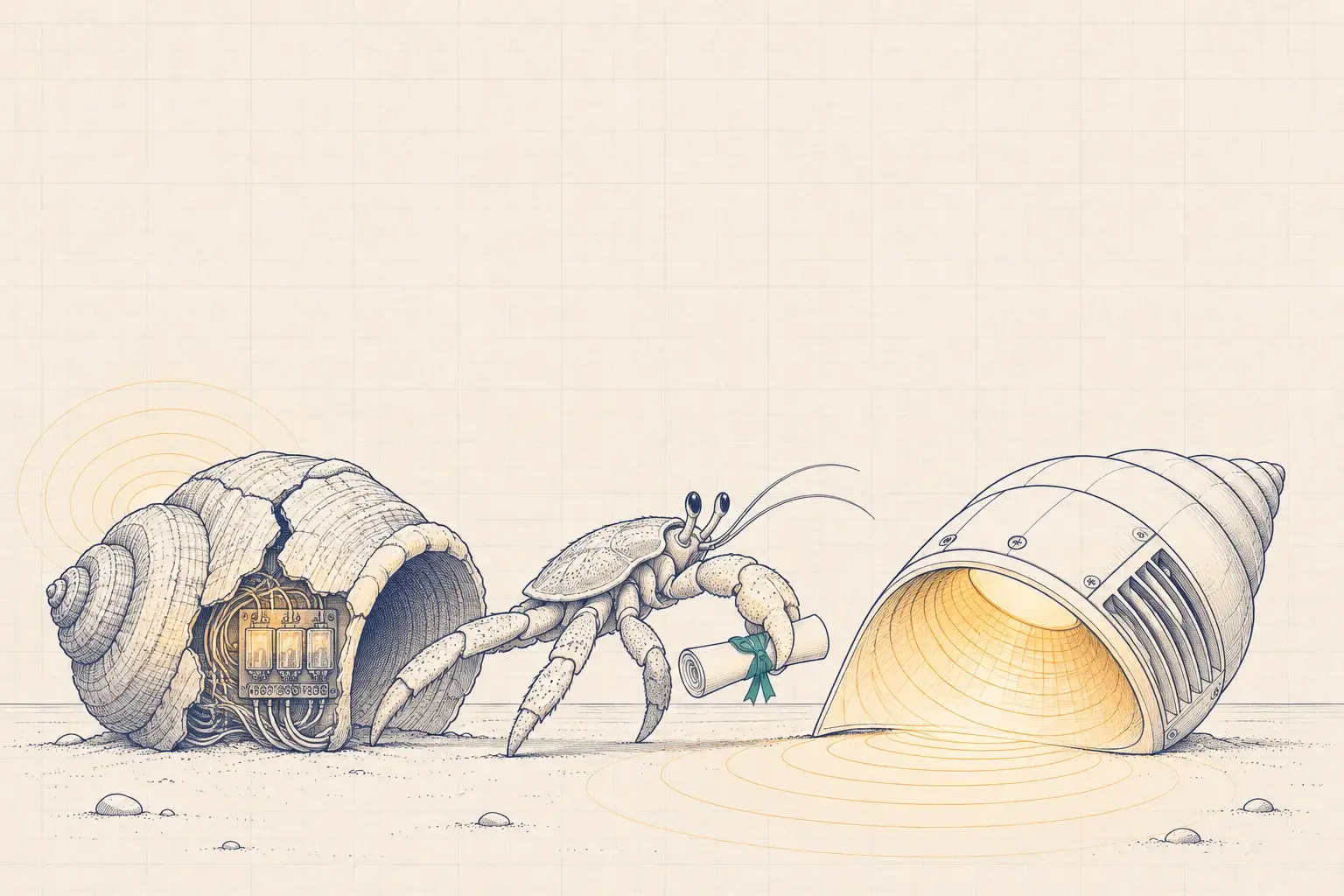
Lighting control systems rarely fail all at once. They fail by attrition. A gateway dies and the replacement part is discontinued. A server’s operating system ages out and IT wants it off the network. A cloud service shuts down and the scheduling that depended on it stops. The fixtures still light up, but the system that told them when and how bright slowly loses its grip.
This happens more often than owners expect, because the controls market consolidates and products get retired. Two recent examples, stated neutrally because both are ordinary business decisions:
- Enlighted, owned by Siemens, wound down its lighting-controls business in 2025, and its platform moved into Siemens Building X, as reported by Inside Lighting and the Edison Report.
- Cooper Lighting set August 31, 2026 as the end of new sales for its Fifth Light system and recommends WaveLinx DALI as the replacement.
Neither event makes an installed system stop working overnight. Both mean that owners need a plan. The decision in front of you: whether to migrate now, in phases, or wait, and how to do it without losing what the old system knew.
What “orphaned” actually means
Orphaning happens in stages, and each stage takes something different away. Knowing which stage you are in tells you how urgent the work is.
| Stage | What you lose | What it means for the building |
|---|---|---|
| End of new sales | New devices for expansions and renovations | You can still repair, but every renovation becomes a design problem |
| End of software and firmware updates | Security patches and bug fixes | IT may ask to isolate or remove the system from the network |
| End of cloud or remote services | Remote management, analytics, sometimes scheduling | Features you rely on may stop without any hardware failure |
| End of parts and technical support | Replacement gateways, controllers and sensors | A single failure can leave a zone stuck on, or stuck off |
Owners tend to start looking for help at the fourth stage, when a failure has already happened. The best time to start is the first.
Step 1: Capture before you lose
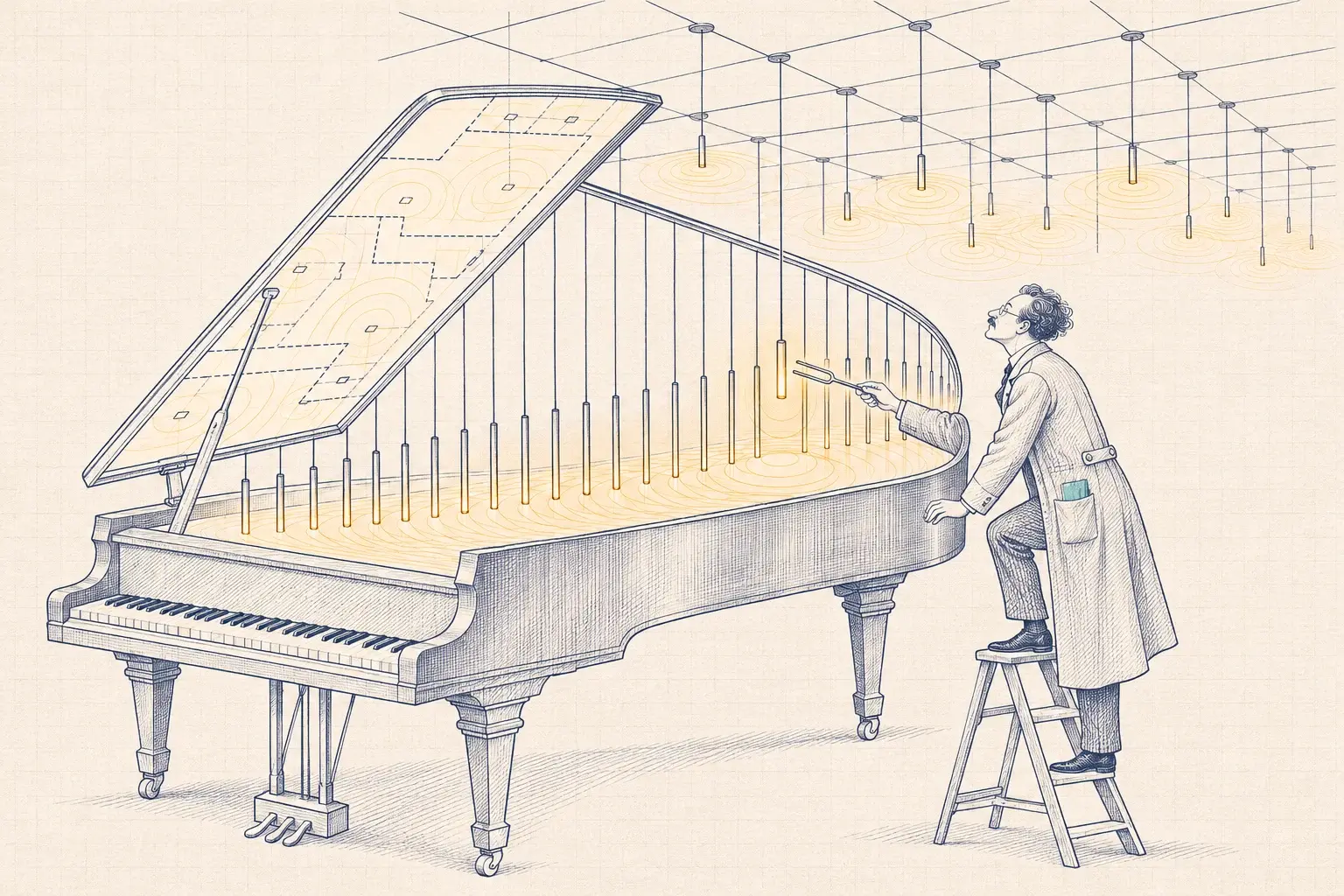
The old system holds years of decisions: which fixtures belong to which zone, what each sensor’s delay is, which schedules run on which days, where the daylight setpoints were tuned. Most of that lives only inside the software. If you lose the software, you lose the decisions.
Capture all of it while you can still log in:
- Configuration exports in whatever format the platform offers, plus screenshots of anything it won’t export.
- Device lists: addresses, locations, zone assignments and firmware versions.
- Schedules and holiday calendars, including overrides that someone made permanent years ago.
- Credentials and licenses: admin accounts, license keys, and who holds them. Former contractors often do.
- Backups of gateways and servers, and if possible a spare gateway or server image kept on the bench, so you can restore a failed unit while the migration continues.
- Integration points: any BACnet objects or other interfaces the building automation system reads from the lighting system.
In the Lytbit Lab we keep a captured copy of a client’s configuration on the bench, so we can test assumptions about the old system without touching the live one.
Step 2: Triage by consequence
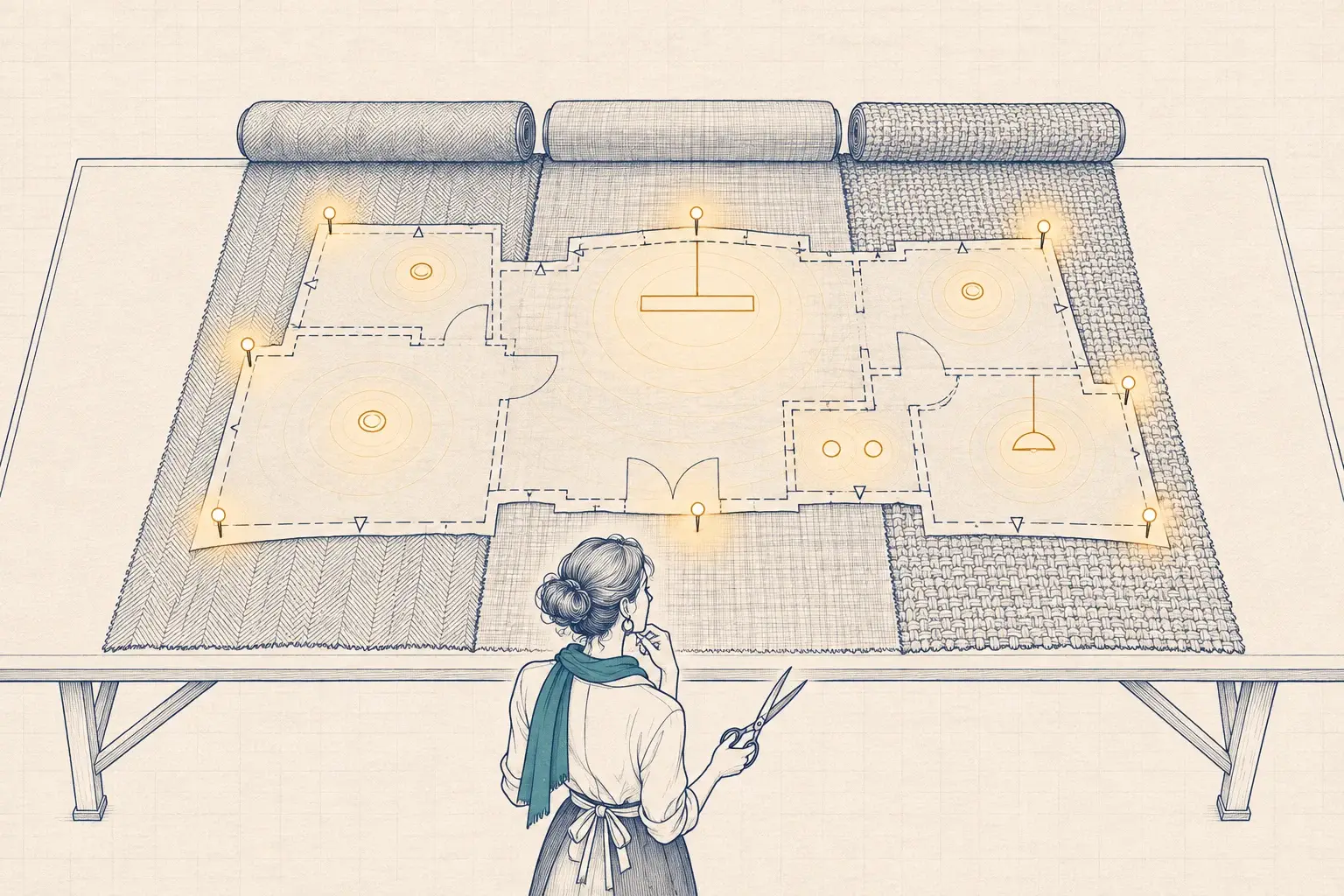
Don’t plan the migration floor by floor. Plan it by what happens if each part fails before it’s migrated.
- Anything tied to life safety, such as emergency lighting interfaces. Changes here need the authority having jurisdiction and careful testing.
- Exterior and parking. A failed controller can leave a parking lot dark at night or lit all day.
- Schedules and sweeps that keep large areas from running around the clock.
- Spaces with high occupant impact, such as clinical areas, classrooms and open offices, where a stuck zone generates complaints within the hour.
- Everything else.
For a typical example, picture a three-building medical office campus in North Mississippi on a platform that no longer receives updates. The exterior controller and the after-hours sweep would move first; the private offices, which already have local switches, would move last.
Step 3: Decide what stays
A migration is not a rip-and-replace by default. Ask, component by component, what can be reused:
- Fixtures: usually stay, if they are in good condition and their drivers have a standard dimming interface.
- Drivers: 0-10V and DALI-2 drivers can usually be controlled by a different platform. Proprietary drivers usually can’t. Our guide to 0-10V, DALI-2 and D4i explains why the interface at the driver decides so much.
- Wiring: low-voltage control wiring may be reusable, depending on the new platform’s topology.
- Sensors, gateways and controllers: usually replaced, because they speak the old platform’s language.
We test those assumptions on the bench with a sample of your actual fixtures before anyone designs around them. A driver that dims smoothly on one platform can flicker at low end on another.
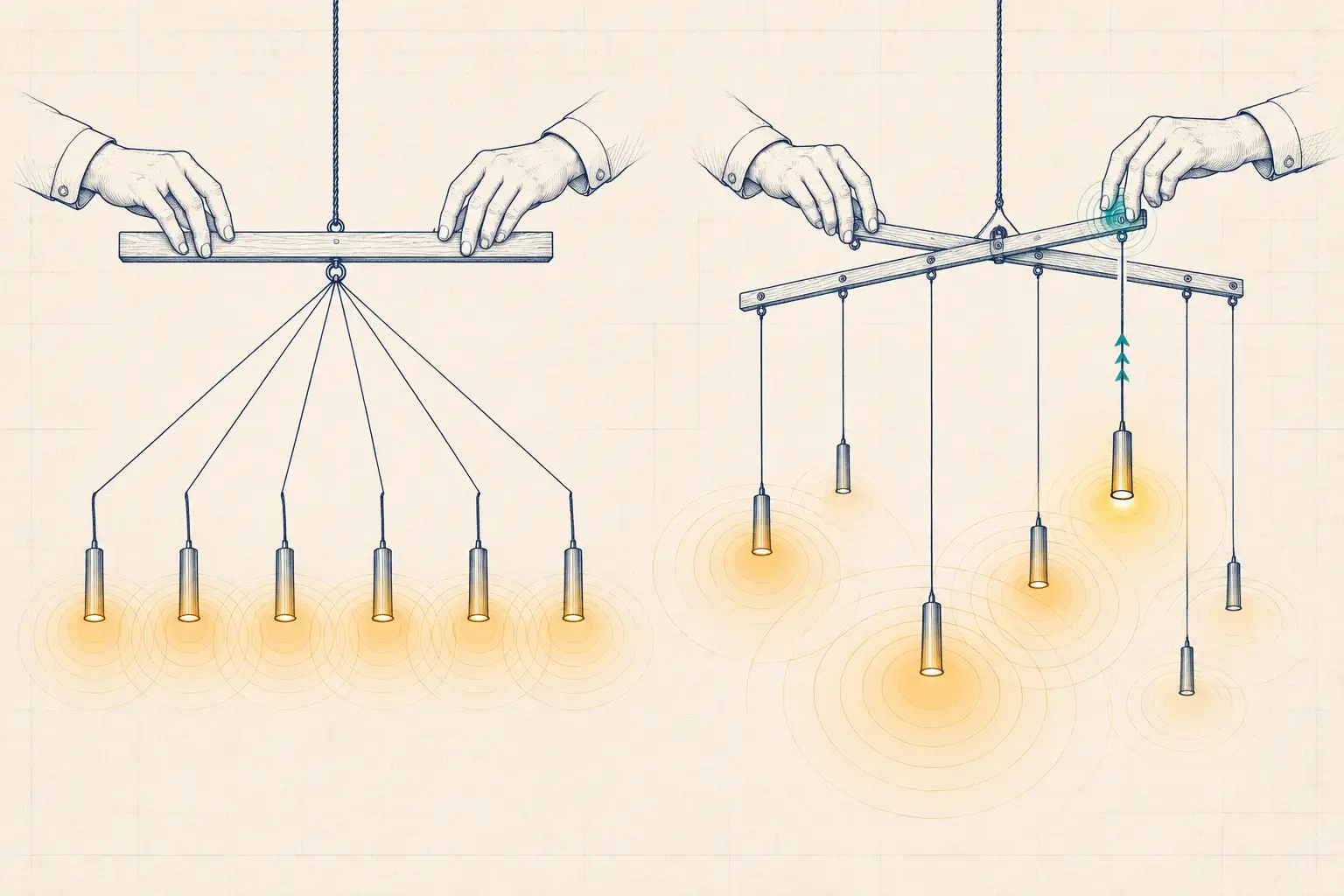
Step 4: Bridge, then migrate in phases
Very few owners can migrate a whole building in one weekend, and few need to. A phased plan usually looks like this:
- Stabilize the old system: put it on its own network segment, change default passwords, and keep the captured backups current.
- Harvest spares: as each area moves to the new platform, keep the old devices that come out as spares for the areas that haven’t moved yet.
- Migrate by priority, following the triage order, after hours in occupied buildings.
- Run both systems side by side for a short period where they serve neighboring areas, with clear labeling at panels and in the drawings.
- Retire the old system cleanly: remove credentials, wipe gateways and servers, and update the as-built drawings.
Step 5: Commission so the next exit hurts less
Every migration is an opportunity to make the next one easier. Commission the new system against a written sequence of operations, and hand over a configuration report, in ANSI/NEMA C137.9 format where the platform supports it. Keep the records outside the vendor’s software, in a form you own. If the new platform is retired in fifteen years, your successor starts at step 3 instead of step 1.
Bring IT and the occupants in early
Migrations touch more people than the facility team. The IT department will want to know what the old system’s servers and gateways do on the network today, and what the new platform will need: addresses, segments, remote access and a firmware update path. Department heads and tenants need to know which nights their zone changes hands and who to call if something behaves differently the next morning. A one-page notice per phase, posted at the panels and sent to the people who work in those spaces, prevents most next-day complaints.
If the old platform depended on a cloud service, find out what happens to its historical data at shutdown. Export the energy and occupancy history you want to keep while the service still answers.
Choosing the replacement
When we evaluate replacement platforms with an owner, we score them on the things that decide long-term risk:
- Open interfaces at the fixture: DALI-2 or D4i, or at least 0-10V, so drivers outlive the control layer.
- Open interfaces at the building: BACnet/IP or BACnet/SC, and documented data export.
- Configuration export in a readable format, including C137.9 reports.
- More than one qualified installer in the region, so you are not dependent on a single firm, including us.
- DLC Qualified Products List listing, if utility incentives are part of the funding.
- Cybersecurity posture: firmware update path, account management, and network behavior we can verify with packet capture.
- Data ownership: whether you can take your energy and occupancy data with you.
What we’d do
If you suspect your system is at or near the end of support, here is our order of operations:
- Confirm the support status in writing from the manufacturer or its successor.
- Capture the configuration this month, while the software runs.
- Stabilize and isolate the existing system on the network.
- Triage by consequence of failure and draw up a phased plan.
- Bench test reuse assumptions with your fixtures and two or three candidate platforms.
- Migrate in phases, commission each phase, and document as you go.
This is the work of our Legacy System Rescue & Migration service. We are not tied to any manufacturer, so we can recommend the original vendor’s successor when it is the right answer and something else when it isn’t. Each migrated phase is tested through our multi-brand commissioning process before the old devices come out. If you don’t know what stage your system is in, start with a Baseline Assessment: we’ll inventory the system, check its support status, and tell you how much time you have.
Filed under: legacy lighting controls · system migration · configuration records · DALI-2