Three questions, three instruments
Facility managers often ask us some version of the same question: we have sensors in every office already, can’t we just use those? Sometimes yes. Often no. The answer depends on what you want to know.
There are three distinct questions a sensor in a commercial building can answer:
- Is anyone here right now? This is the occupancy question. It drives lights, and increasingly HVAC setback.
- Did someone choose to be here with the lights on? This is the vacancy question. It is the same hardware with a different rule.
- How many people used this space, when and for how long? This is the utilization question. It drives real estate decisions, cleaning schedules and space planning.
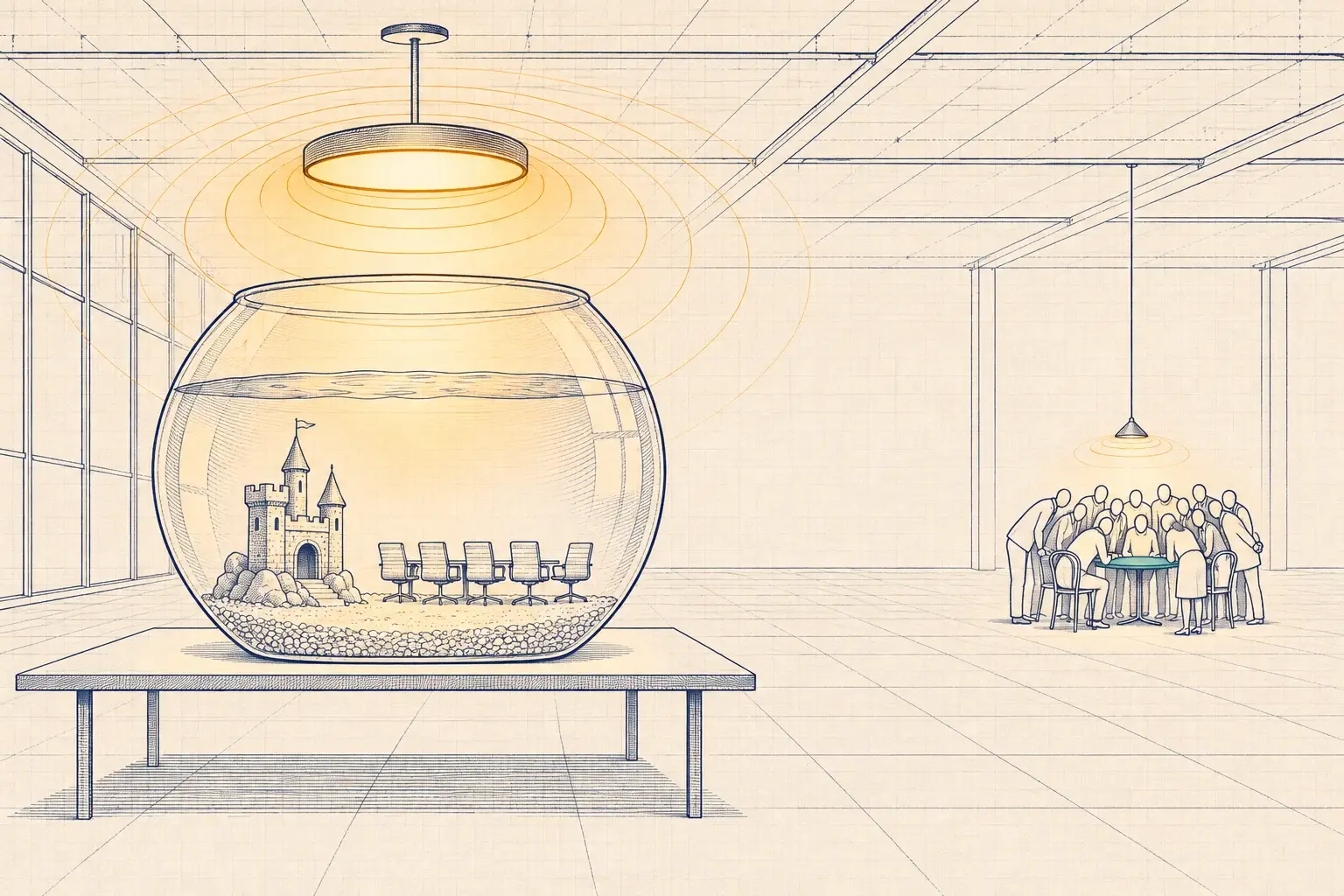
The useful question is which instrument you need for the decision in front of you, so you don’t buy counting sensors to switch lights, or try to plan a floor consolidation with sensors that only know “yes” and “no.”
Occupancy sensors: on when you arrive, off when you leave
An occupancy sensor turns lights on automatically when it detects someone and off after a delay once it stops detecting anyone. The common technologies:
- Passive infrared (PIR) sees changes in heat as a warm body moves across its zones. It is reliable for walking motion and weaker for small movements, such as someone typing at a desk.
- Ultrasonic sensors emit sound above human hearing and detect changes in the reflection. They “see” around partitions and catch small motion, but can be fooled by air movement from a diffuser.
- Dual-technology sensors combine PIR and ultrasonic or microwave, usually requiring both to turn lights on and either one to keep them on. That combination reduces both false-ons and false-offs.
- Microwave sensors detect motion through Doppler radar. They are common in fixture-integrated and high-bay sensors.
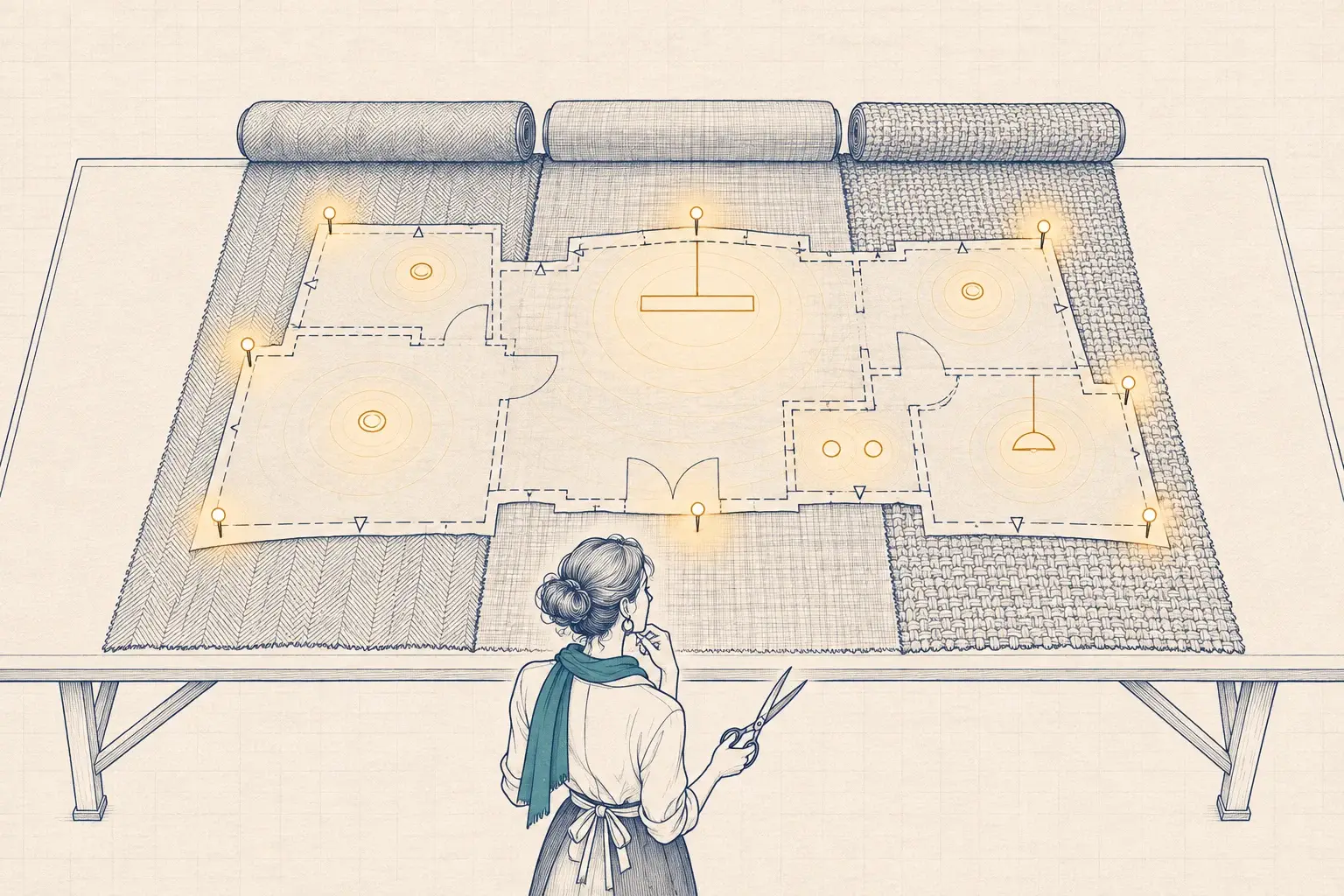
Our opinions, for what they are worth: dual-technology in private offices where people sit still for long stretches; ultrasonic or dual-technology in restrooms with partitions; PIR in corridors and stairwells, where people are always moving. Whatever you choose, place it where it sees people, not furniture. A sensor that sits behind a monitor arm after move-in will turn the lights off on someone mid-sentence, and the next complaint will be about “the sensors” in general.
Vacancy sensors: you turn it on, the room turns it off
A vacancy sensor uses the same detection technology but changes the rule: lights only come on when someone presses the switch, and turn off automatically once the room is empty.
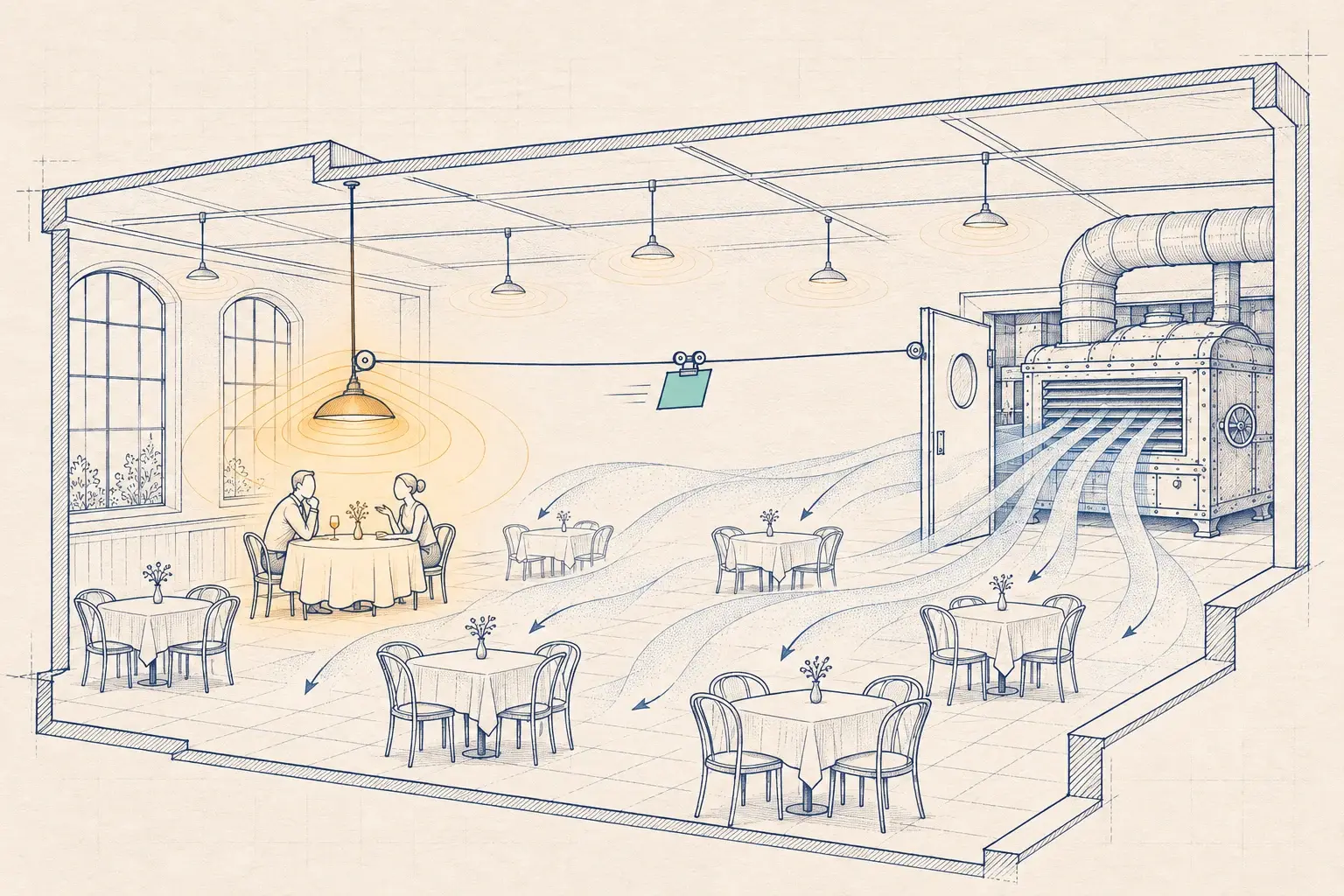
Vacancy operation saves more energy in rooms where people often don’t need the lights: perimeter offices with good daylight, or a break room someone passes through for a minute. It also avoids lights snapping on every time someone walks past an open door. Energy codes require manual-on or partial-on operation in many enclosed spaces; which spaces depends on the code path and edition, which we confirm with the authority having jurisdiction.
The tradeoff is convenience. In a conference room where people arrive with their hands full, automatic partial-on (lights come on to a lower level, and the occupant raises them) is often the better compromise.
Utilization sensors: counting, not switching
Utilization sensors are built to count and locate people, not to control lights. The common types:
- Doorway counters that count entries and exits, often with overhead time-of-flight or thermal sensing.
- Overhead area sensors, such as thermal arrays or time-of-flight sensors, that count people within a room or zone.
- Desk-level presence sensors under or on desks, which report whether a workstation is in use.
- Indirect sources such as badge, Wi-Fi or calendar data, which are useful proxies with their own blind spots. Booked is not the same as used.
They produce counts, dwell times and peak occupancy, the data a real estate team needs to decide whether to consolidate a floor, add huddle rooms, or stop leasing the space at the end of the hall.
The comparison
| Instrument | Question it answers | Output | Typical placement | Good for | Not good for |
|---|---|---|---|---|---|
| Occupancy sensor | Is anyone here? | Present / vacant | Ceiling or wall, per room or fixture | Switching lights, HVAC setback | Headcounts |
| Vacancy sensor | Is the room empty now? | Present / vacant | Same as occupancy | Saving energy where daylight is good | Rooms where people arrive with full hands |
| Fixture-integrated sensor (LLLC) | Is anyone near this fixture? | Present / vacant per fixture, over time | Every luminaire | Presence maps at fine resolution | Counting people in a meeting |
| Doorway counter | How many entered or left? | Counts in and out | Doorways | Floor and room totals | Locating people inside the room |
| Overhead area sensor | How many are here now? | Counts per zone | Ceiling, per room or zone | Room utilization and right-sizing | Low-cost blanket coverage |
| Desk presence sensor | Is this desk used? | Present / vacant per desk | Under or on desks | Desk-sharing ratios | Rooms and common areas |
Can lighting sensors do utilization?
Partly. Networked lighting controls with a sensor in every fixture create a dense grid of presence data. Logged over weeks, that grid shows which parts of a floor are used and when. For a bank branch in Starkville or a medical office in Southaven, that may be all you need to see that the back half of the building is empty after noon.
But be careful with three things:
- Presence is not a count. One person and twelve people look identical.
- Time delays inflate occupancy. If a sensor holds the lights for 15 minutes after the last motion, raw “lights-on” time overstates how long the room was used. Analyze the underlying motion events, not just the lighting state.
- Sensitivity is tuned for lighting. Settings that keep lights from switching off on a quiet typist are not settings that produce accurate data.
When the decision is about energy or HVAC setback, lighting presence data is often enough. Our post on using lighting occupancy data to set back HVAC covers that use case. When the decision is about leases and headcounts, add sensors made for counting.
Delays: the setting nobody revisits
Every occupancy and vacancy sensor has a time delay, and it is the most consequential setting in the room. Too short, and lights go off on people who are sitting still. Too long, and the room burns energy for an empty chair. Energy codes cap the delay in many spaces; California’s Title 24 (2025 edition), for example, requires 20 minutes or less. Within the cap, the right delay depends on the space: shorter in restrooms and corridors where people keep moving, longer in private offices where they sit still.
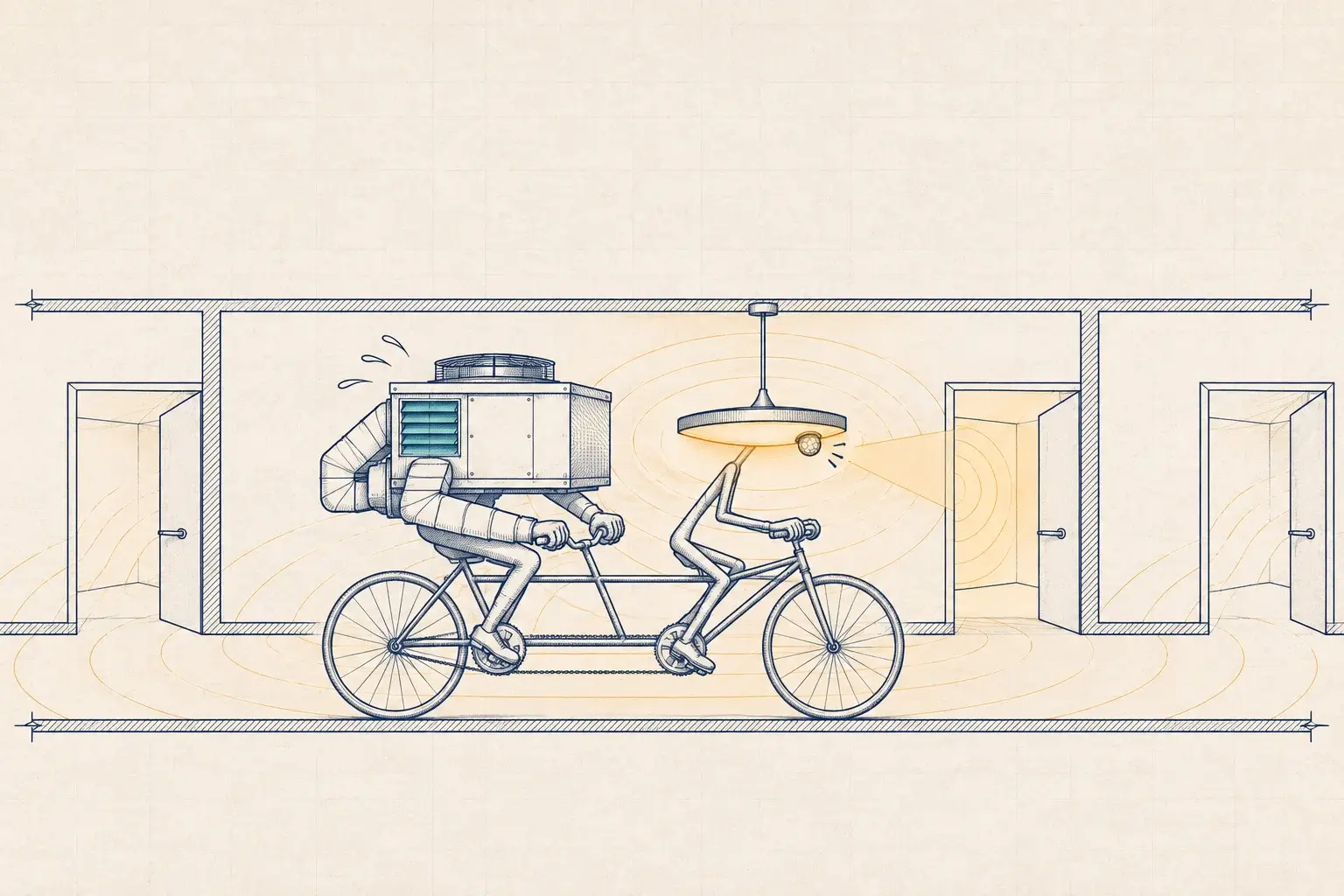
Delays matter even more once the sensor also feeds HVAC or analytics. A long lighting delay is a small waste. The same delay applied to an air handler setback, or baked into a utilization report, distorts the result. We set and record delays per space type during commissioning, then review them after a few weeks of real data.
Privacy is a design choice
Utilization data describes people’s behavior, so treat it with care from the start. We prefer sensors that process on the device and send only counts, so there is no image to secure, leak or subpoena. We aggregate to the room or zone, set retention periods, and tell employees what is measured and why. In our Lytbit Ledger platform, the Ledger Space module stores counts and presence by zone, not identities.
What we’d do
For a typical office or branch network in the Mid-South, our order of operations:
- Name the decision. Energy and comfort, HVAC setback, or real estate. Each needs different data.
- Use what’s in the ceiling first. If you have networked lighting controls, export a month of presence data and see what it already tells you.
- Add counting sensors where the decision needs counts: conference rooms, huddle rooms, and the areas you’re thinking of reconfiguring. Not everywhere.
- Fix the lighting sensors while you’re there: placement, technology and delays, room by room.
- Publish the privacy rules before the first sensor goes up.
That is how our Occupancy & Space Analytics service works: start with the question, then choose the instrument. If you are not sure what your existing sensors can tell you, a Baseline Assessment includes a review of the controls already installed and what data they can produce.
Filed under: occupancy sensors · vacancy sensors · space utilization · offices · people counting