Platform: Integrations

The protocols we integrate, and how deep we go with each

Protocols are easy to list and hard to commission. Here is every standard we work with, what we use it for, and how deep our integration goes, including where we're still testing.

ProjectLytbit · Smart lighting & IoT
SheetT-02
Rev26.11
DisciplineIntegration
DrawnLytbit Engineering
Scale1 : 1
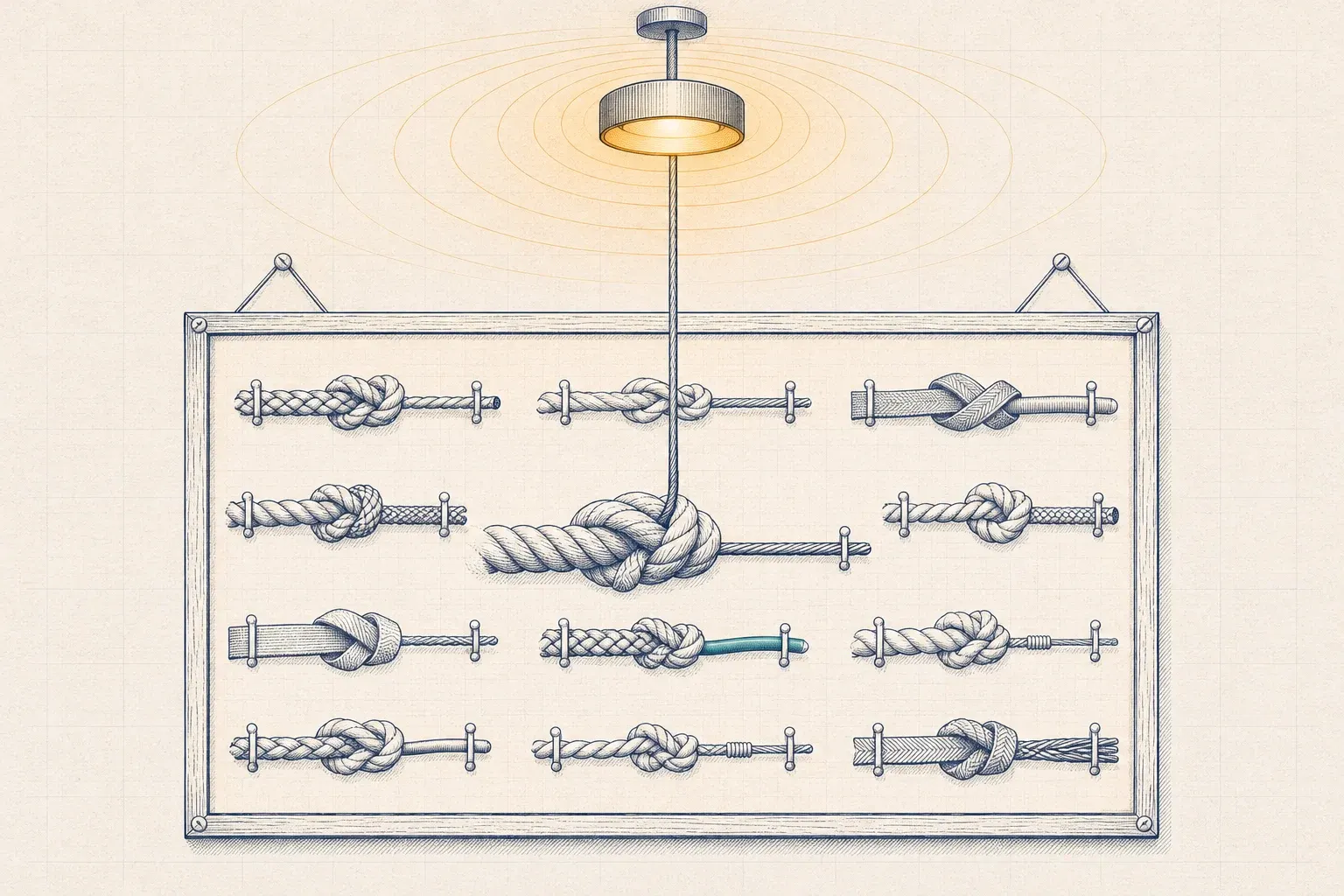
A framed board of rope knots, each joining two different cords, with a central knot whose thin cable rises to a single glowing ceiling light.
Plate T-02Two different ropes need the right knot, not a stronger pull.

What the depth levels mean

Integration depth is the part most protocol lists leave out. These are the four levels used in the directory below.

Design to operations

Full

We design with it, bench it, commission it, and support it in operation.

Two-way data

Read/write

We exchange data in both directions with another system, such as the BMS or Lytbit Ledger, with write access granted point by point.

Monitoring

Read

We ingest the data into Ledger or a BMS for monitoring, M&V, and reporting, without sending commands back.

Testing and advice

Bench

We test it in the Lytbit Lab and advise on it, but don't yet recommend it for production lighting.

Protocol directory

Grouped from the fixture outward: drivers, wireless control, network and power, building automation, data transport, the grid, and the semantics that make data usable.

ProtocolLayerWhat we use it forIntegration depth
DALI-2Fixture and driverAddressable dimming, scenes, and driver diagnostics in wired systems; our default for new construction with detailed sequencesFull
D4i and Zhaga-D4iFixture and driverLuminaire energy metering, sensor power, and stored driver data that feed fixture-level Ledger recordsFull
0-10VFixture and driverSimple dimming of existing LED drivers in retrofits; no data comes back from the driverFull (control only)
Bluetooth Mesh NLC profilesWireless controlLuminaire-level controls in occupied retrofits, using the occupancy, ambient light, energy monitor, and HVAC integration profilesFull; cross-brand combinations benched first
Zigbee, including Zigbee 4.0Wireless controlWireless sensors and room controls in existing installationsFull through the system's own gateway
ThreadWireless control (IP mesh)Low-power IP mesh for sensors and small devicesBench
MatterApplicationTenant and small-space devices; it doesn't yet define commercial lighting control device typesBench; not recommended for base-building lighting
PoE (IEEE 802.3bt)Network and powerPowering and controlling luminaires over Ethernet, up to 90 W per port at the sourceFull, designed with your IT team
BACnet/IPBuilding automationSharing lighting zones, occupancy, and energy points with the BMSRead/write
BACnet/SC (ASHRAE 135 Annex AB)Building automationSecure BACnet over TLS with certificate-based authentication, where the BMS supports itRead/write, with a certificate management plan
Modbus TCP and RTUMeteringPanel and circuit meters for calibration, allocation, and buildings without networked controlsRead
MQTT and Sparkplug B (3.0)Data transportStreaming gateway and sensor data into Ledger, and Ledger data out to your own systemsRead/write
OpenADR 3.0Grid and utilityReceiving demand response events and price signals for Ledger Flex, then dispatching through the controls systemRead, with dispatch through the controls system
REST APIs and webhooksApplicationReading vendor cloud and controller APIs, and sending Ledger alerts to ticketing and chat toolsRead/write, within each vendor's API terms
Brick SchemaSemanticsTagging every point we touch so lighting data is usable by analytics tools and the BMSFull
Project HaystackSemanticsTagging for BMS and analytics platforms built around HaystackFull
ASHRAE 223PSemanticsSemantic models of building systems; we follow the standard as it is finalizedBench
ANSI/NEMA C137.9DocumentationConfiguration reports that a utility program or the next technician can readFull, where the platform supports it

How we choose a protocol

Write the sequence first, then pick the protocol. The right question isn’t “DALI or wireless?” but “what does each space need to do, and what’s the simplest system that does it reliably?” Once the sequence of operations exists, the protocol choice usually becomes obvious.

Our defaults, which we’ll argue with when a building gives us reason to:

  • New construction with detailed sequences: wired DALI-2, with D4i drivers where fixture-level energy data matters.
  • Occupied retrofits: wireless luminaire-level controls, usually on Bluetooth Mesh NLC profiles, because they need little new wiring and little disruption. See wireless lighting control protocols.
  • Keeping existing LED drivers: 0-10V dimming, accepting that no data comes back from the driver. Our guide to 0-10V, DALI-2, and D4i covers the tradeoffs.
  • IT-led office renovations: PoE can make sense. We don’t recommend it for warehouses with long cable runs, and we always measure standby power. See PoE lighting: where it pays off.
  • Matter: wait. Watch it, bench it, and keep it out of base-building lighting until commercial lighting device types exist. We explain why in Is Matter ready for commercial buildings?

Getting lighting to talk to the BMS

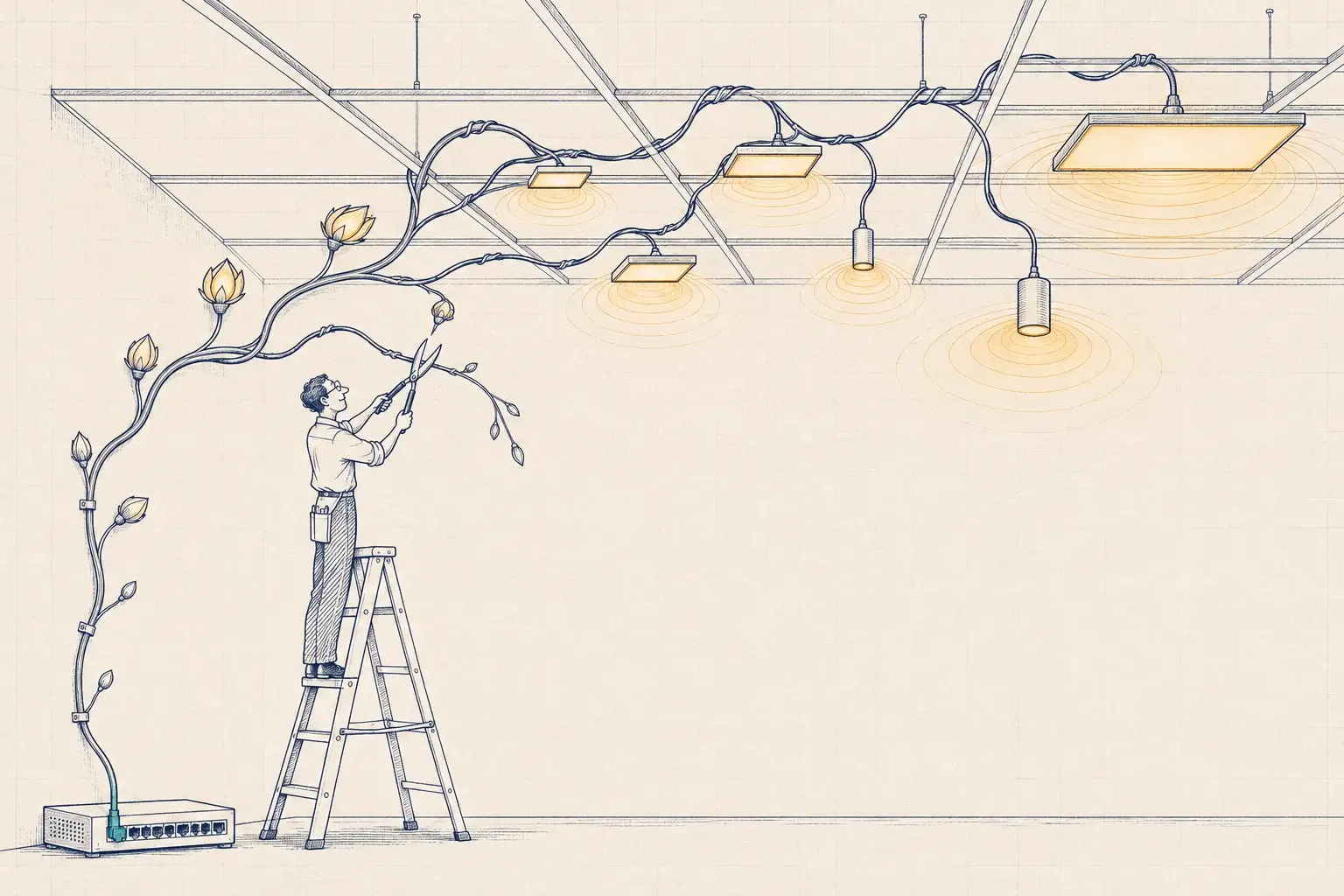
Ask for the gateway’s points list before you sign the purchase order. Integration is often priced per point, and a gateway that exposes 40 points per zone when the BMS needs four makes integration slow and expensive. We specify the exact points the BMS needs, usually occupancy, zone state, and energy, and map only those.

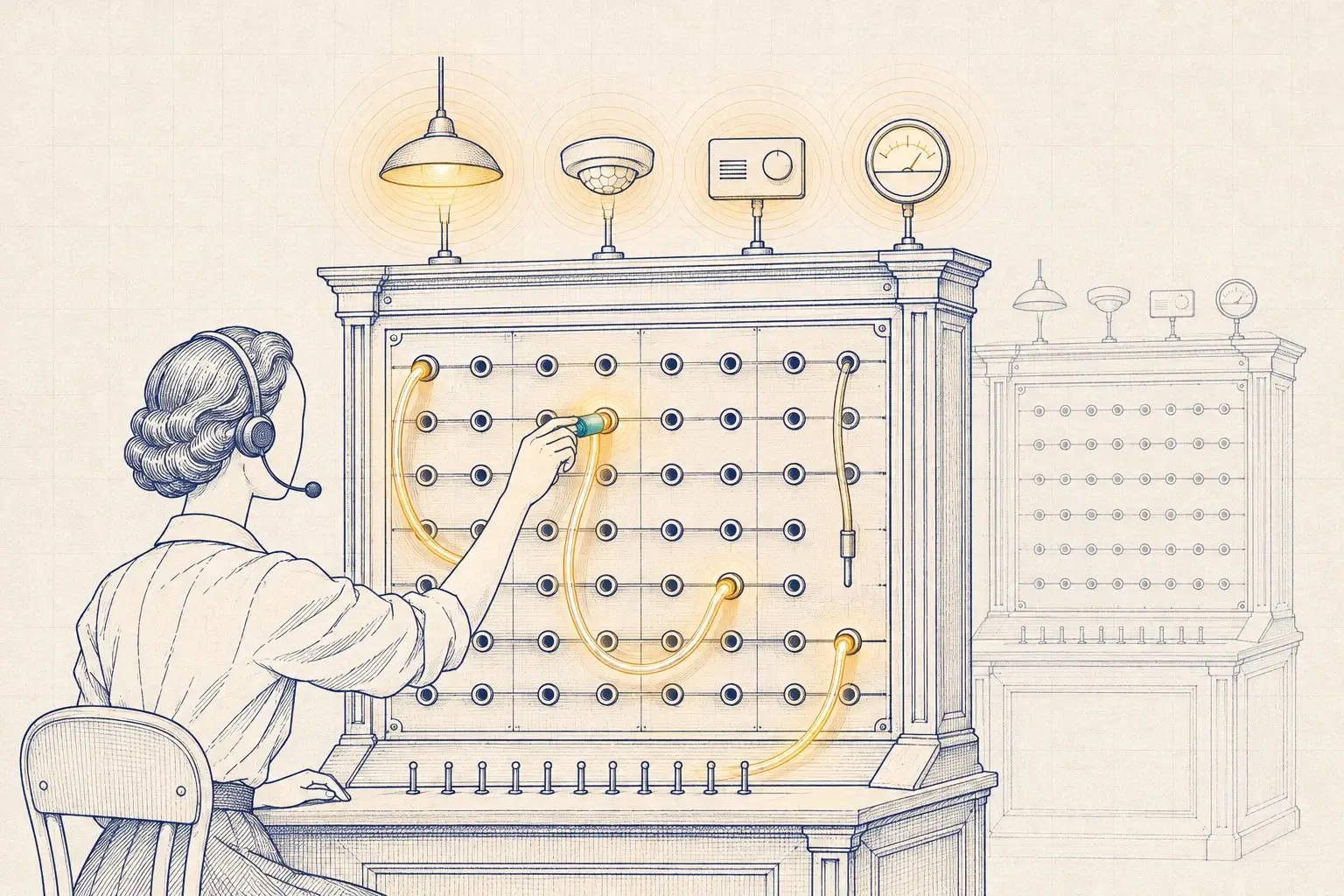
For new BMS work, we prefer BACnet/SC where both sides support it: it carries BACnet over TLS-secured connections with certificate-based authentication and avoids broadcast management devices. Where BACnet/IP is the only option, we keep it inside a segmented network. Our article on BACnet/SC for lighting networks goes deeper, and our lighting and BMS integration service describes the work.

Tagging decides whether data is usable

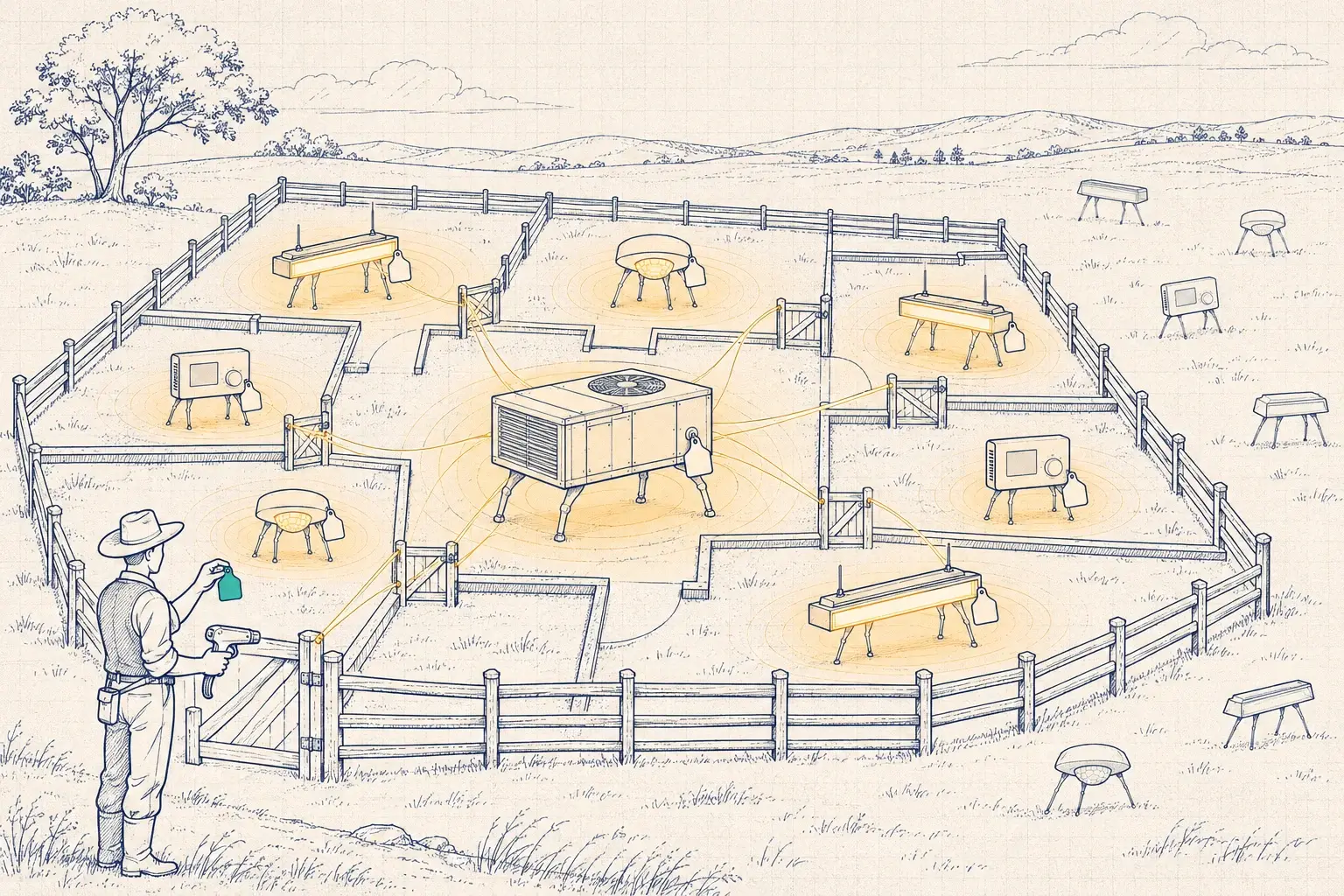
A point called “AV-1047” is useless to anyone who didn’t create it. Every point we integrate gets a consistent name, a checked unit, and a Brick or Project Haystack tag, so analytics tools, the BMS, and Ledger all agree on what it means. We follow ASHRAE 223P as it matures. See Brick, Haystack, and ASHRAE 223P.

Rules we follow on every integration

  1. Bench it first. Every new combination is tested in the Lytbit Lab on the firmware you’ll receive.
  2. Read-only by default. Write access is granted point by point and logged.
  3. Prefer local interfaces. Vendor cloud APIs change, apply rate limits, and sometimes require a subscription. Read the terms before a building depends on them.
  4. Document every point. Name, unit, tag, source, and owner go in the points list and the configuration report.

To compare protocols side by side, use the Protocol Explorer. For definitions, see the glossary. For hardware beyond lighting, see IoT hardware integration.
Have a combination we haven't listed?

Send it to lab@lytbit.com. If it's new to us, we'll tell you so, and what it would take to bench it.